Long video → focused Reels

Free AI Reel Generator

Shape video moments into viral-ready Reels with smart cuts, vertical framing, and captions.

Upload video
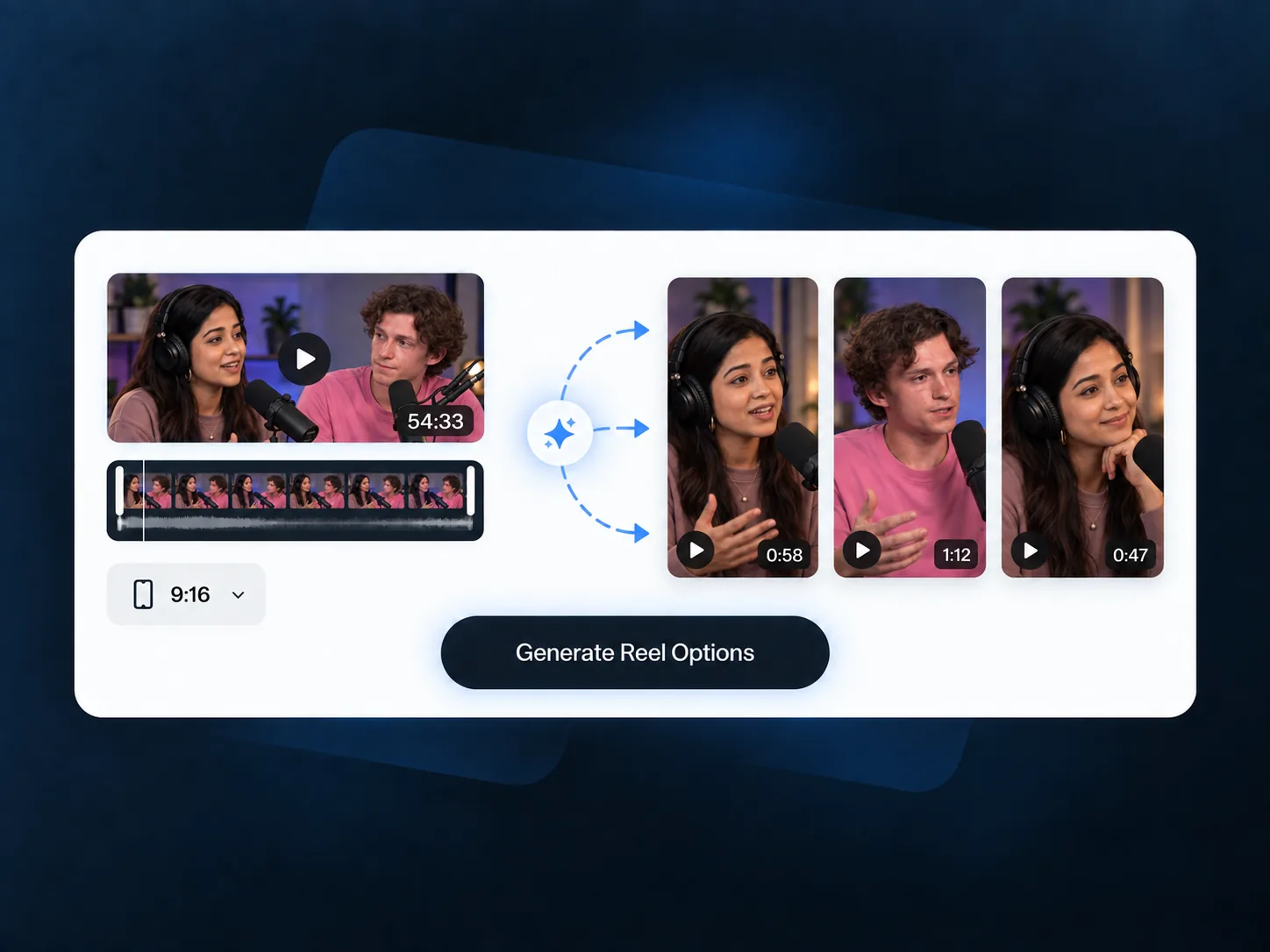
AI Reel Generator toolbar creating vertical Reel options from a long video

Create Viral Reels from Videos Free Online

Highlights · vertical framing · captions · pacing

Create Viral Reels from Videos with AI Reel Generator

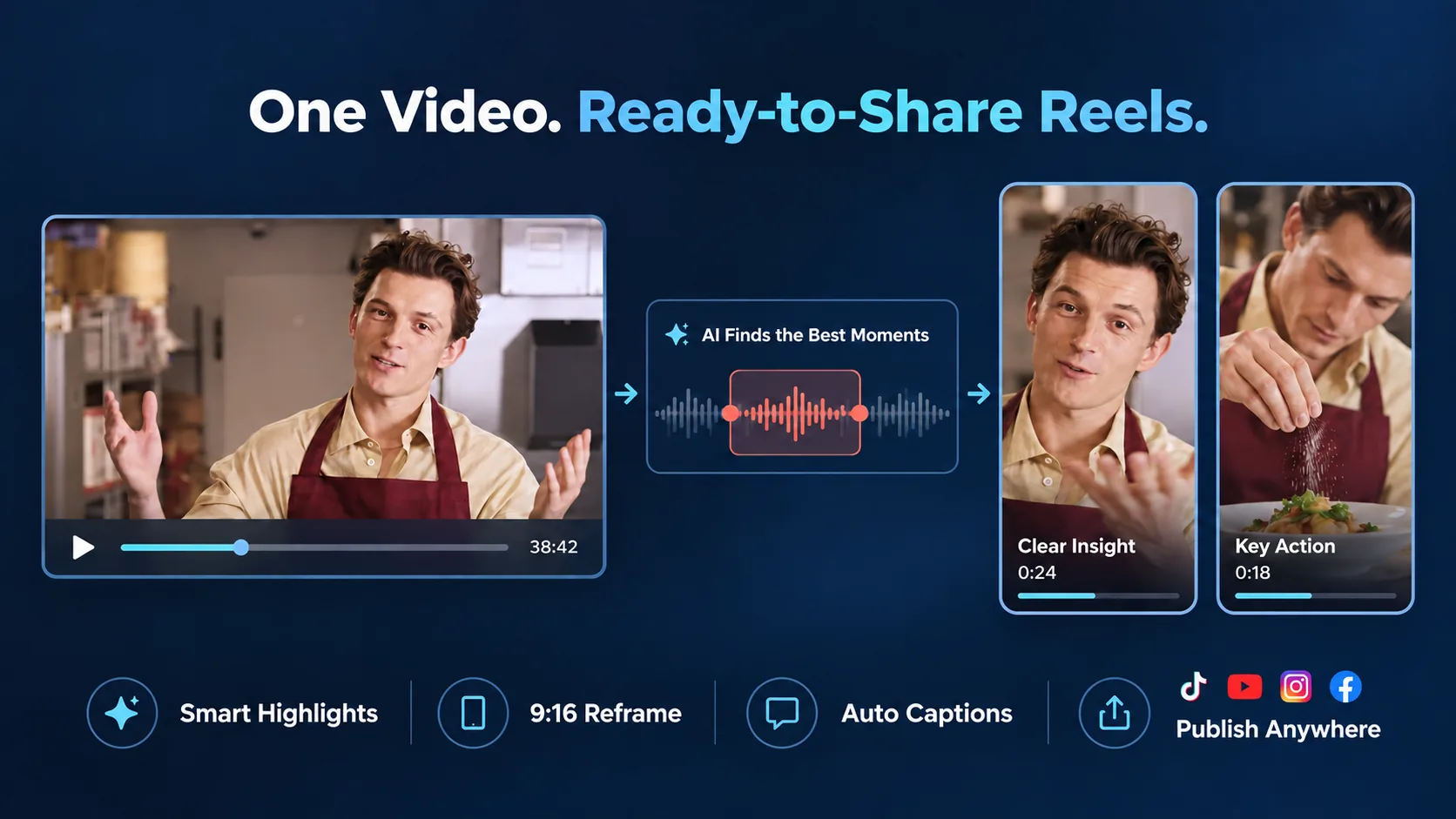
AI Reel Generator finds strong moments in long videos and creates captioned vertical Reels.

AI Reel Generator turning long footage into captioned vertical Reels
  • Find Moments Worth Rewatching

    AI scans long videos for scenes, reactions, tips, actions, or product moments that can work as focused short Reels.

  • Give Every Reel a Clear Story

    Each suggested Reel is built around a complete point, so viewers can understand the moment without watching the full recording.

  • Make Wide Footage Work Vertically

    Reframe landscape video for vertical viewing while keeping the main person, product, pet, food, or action visible.

  • Keep Spoken Details Easy to Catch

    Add captions so viewers can follow names, tips, recipe steps, reactions, and key lines while watching without sound.

  • Keep Reels Fast and Clear

    Cut pauses, setup, and repeated footage so each Reel gets to the point faster without losing the context viewers need.

  • Review Multiple Reel Versions

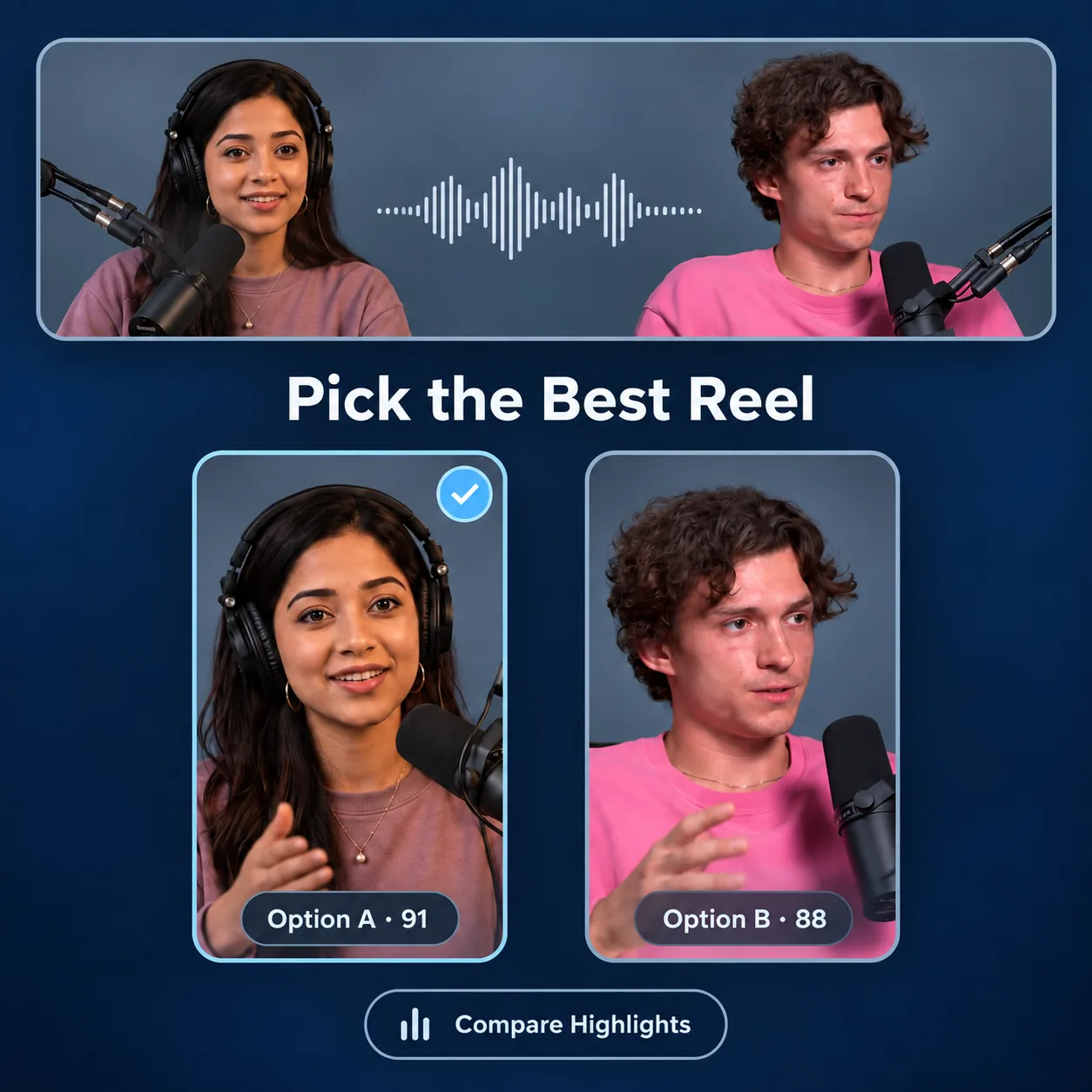
    Compare several short Reel cuts from one long video, then download the versions that best match each sharing idea.

How AI Reel Generator Works

1

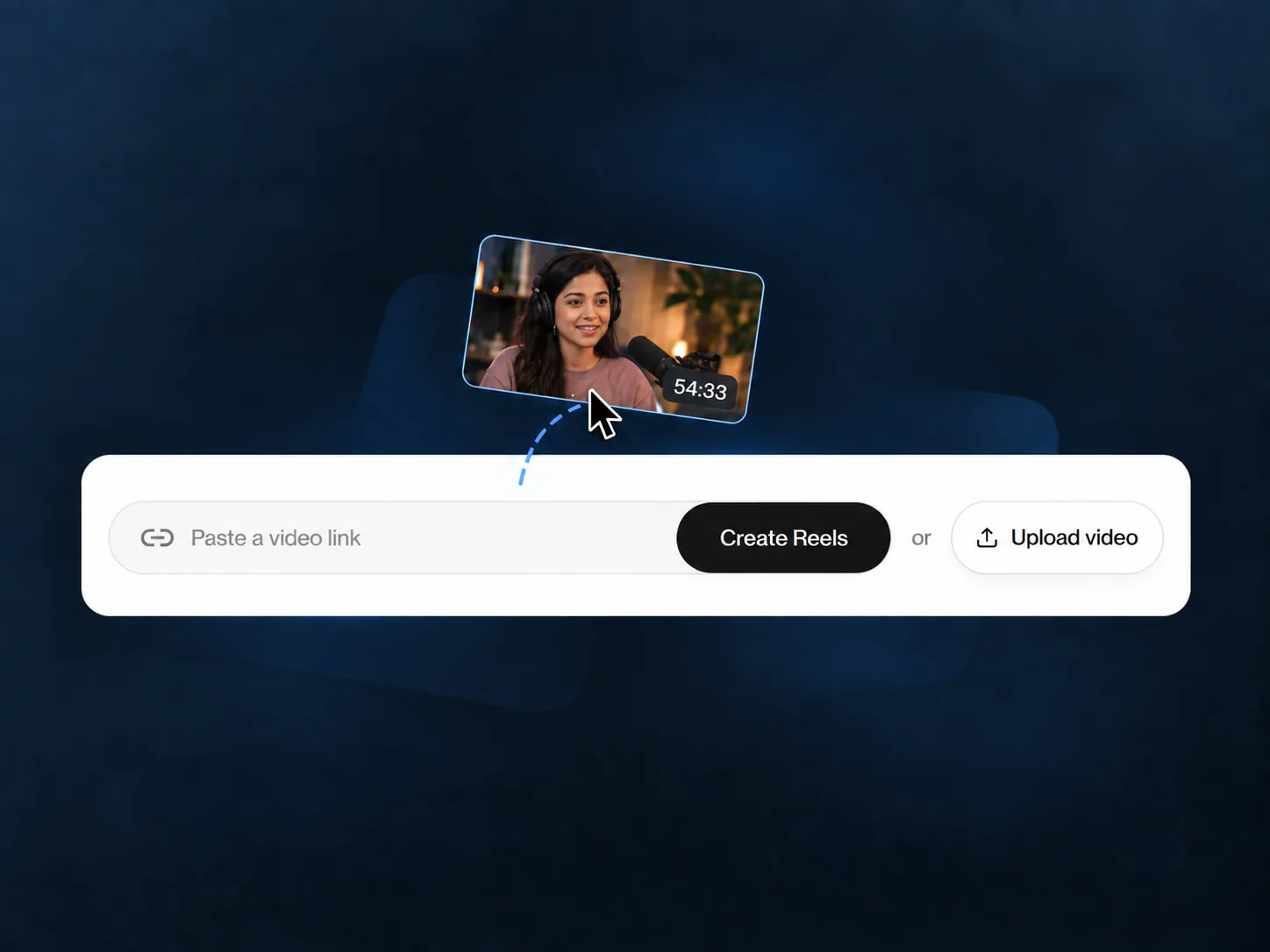
Add a Long Video

Upload a long video from your device. Travel days, family gatherings, recipes, tutorials, and creator footage give AI Reel Generator material to shape.

Add a long video to AI Reel Generator
2

Generate Reel Options

AI Reel Generator reviews recordings, finds strong moments, creates Reel options, adds vertical framing and positions captions for viewing.

Generate several focused vertical Reel options
3

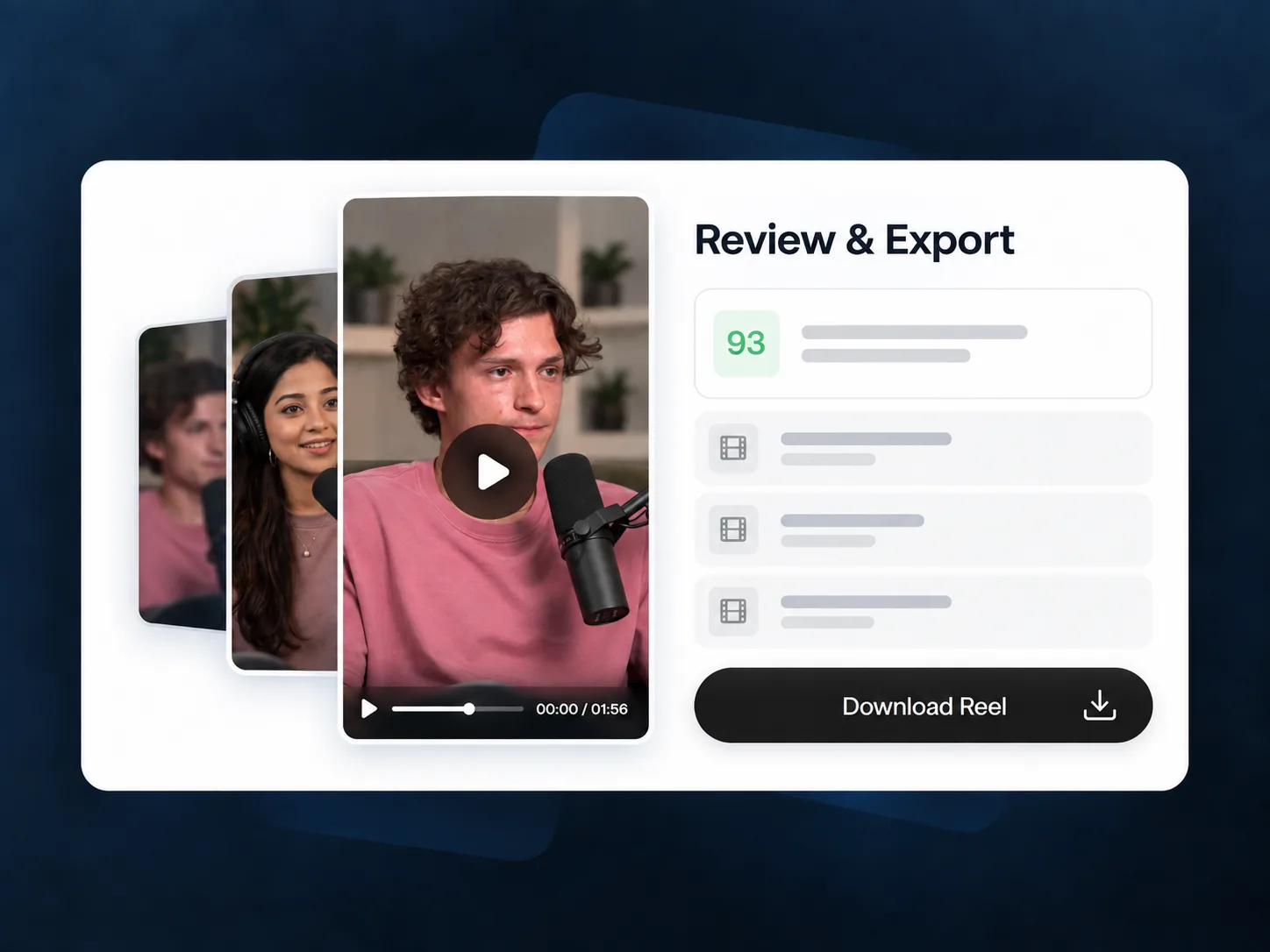
Review and Export Reels

Compare Reel options for pacing, framing, and caption timing. Choose versions with a complete story, then download them to share or edit.

Review and export the strongest Reel version

AI Reel Generator for Everyday and Creator Videos

AI Reel Generator is part of VideoTube, helping turn long recordings into focused Reels across everyday moments, small business content, tutorials, and creator work.

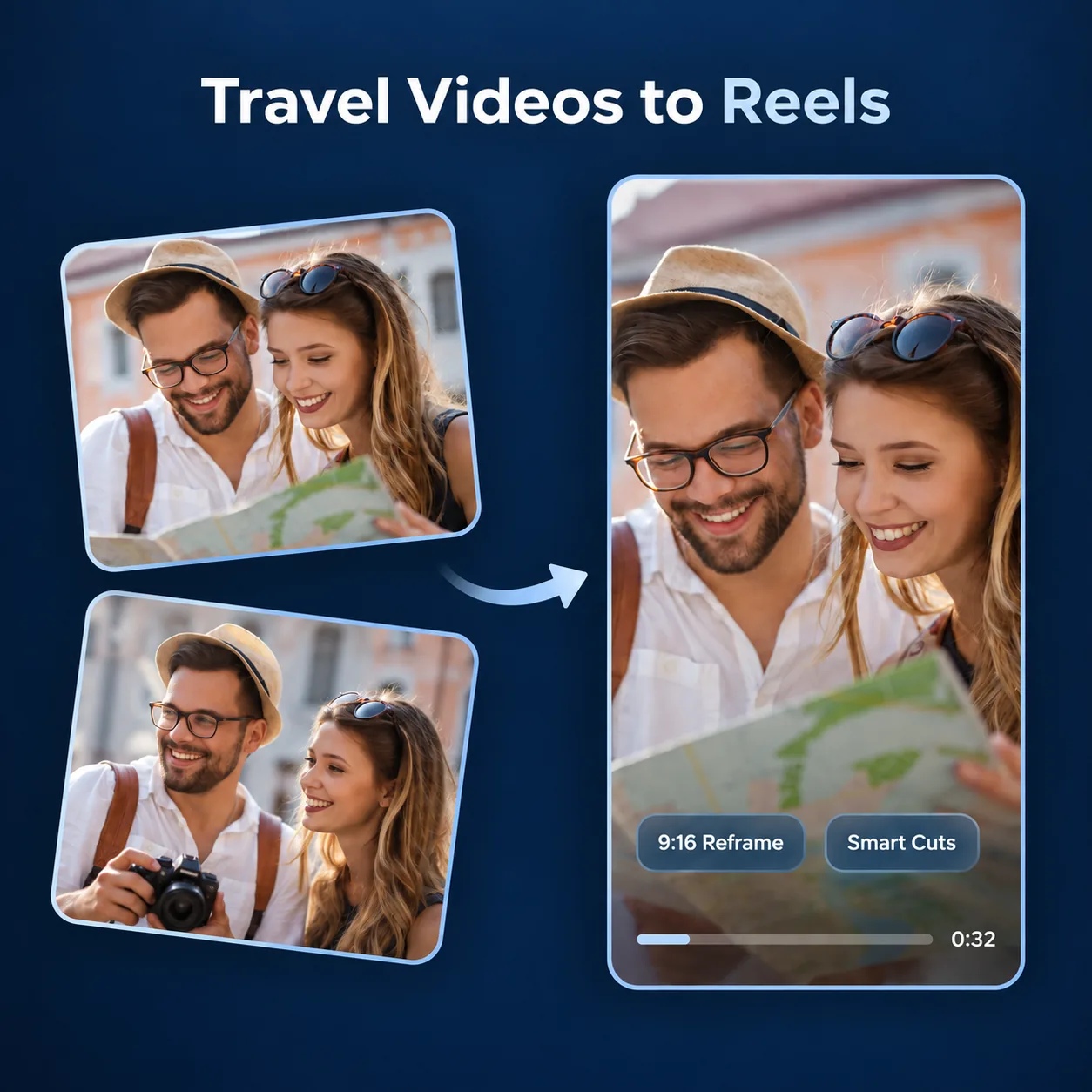
Travel vlog becoming vertical Reels featuring a city walk, local meal, and mountain view

Travel Videos

Share a Trip in One Focused Reel

Turn a long day of travel footage into a Reel around one view, activity, meal, or memorable reaction.

  • Keep scenic shots and key actions together
  • Make crowded phone footage easier to watch
  • Reuse travel videos after the trip ends

Family birthday footage transformed into a vertical Reel with a birthday wish and cake-cutting moment

Family Events

Keep Family Events Easy to Rewatch

Create short Reels from birthdays, celebrations, school events, and everyday moments without searching through every recording again.

  • Build around a toast, surprise, game, or reaction
  • Keep important people visible in vertical framing
  • Add captions to preserve spoken memories
Cooking video condensed into a vertical Reel showing preparation, cooking, and final plated food

Recipes and Projects

Turn Cooking Videos into Recipe Reels

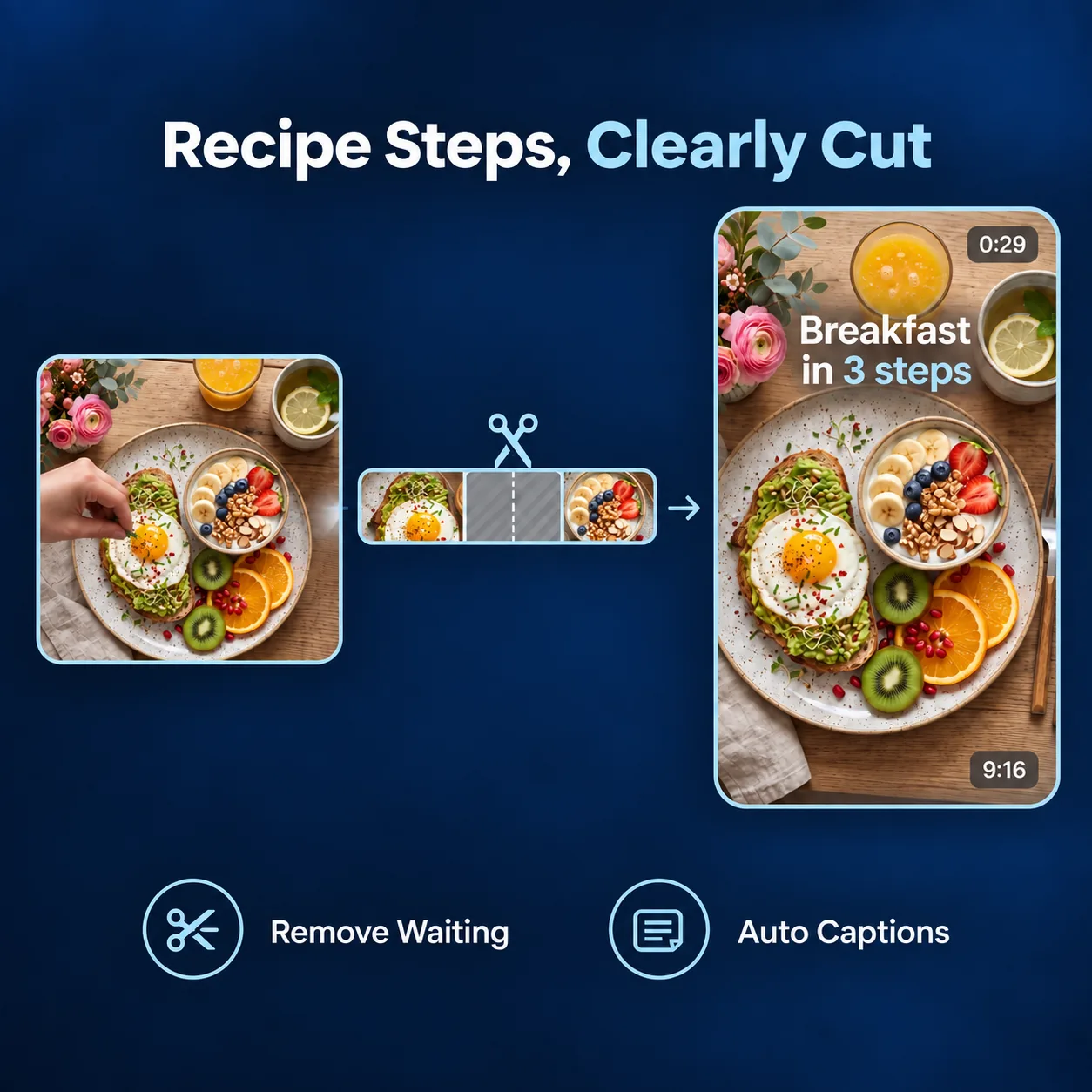
Turn longer cooking, crafting, fitness, or DIY recordings into Reels that focus on one finished result or useful step.

  • Keep hands, materials, and results in frame
  • Remove waiting time between actions
  • Add captions for ingredients, instructions, or tips
Small business packing order footage turned into a vertical product-focused Reel

Small Business Updates

Give Each Product Moment a Clear Focus

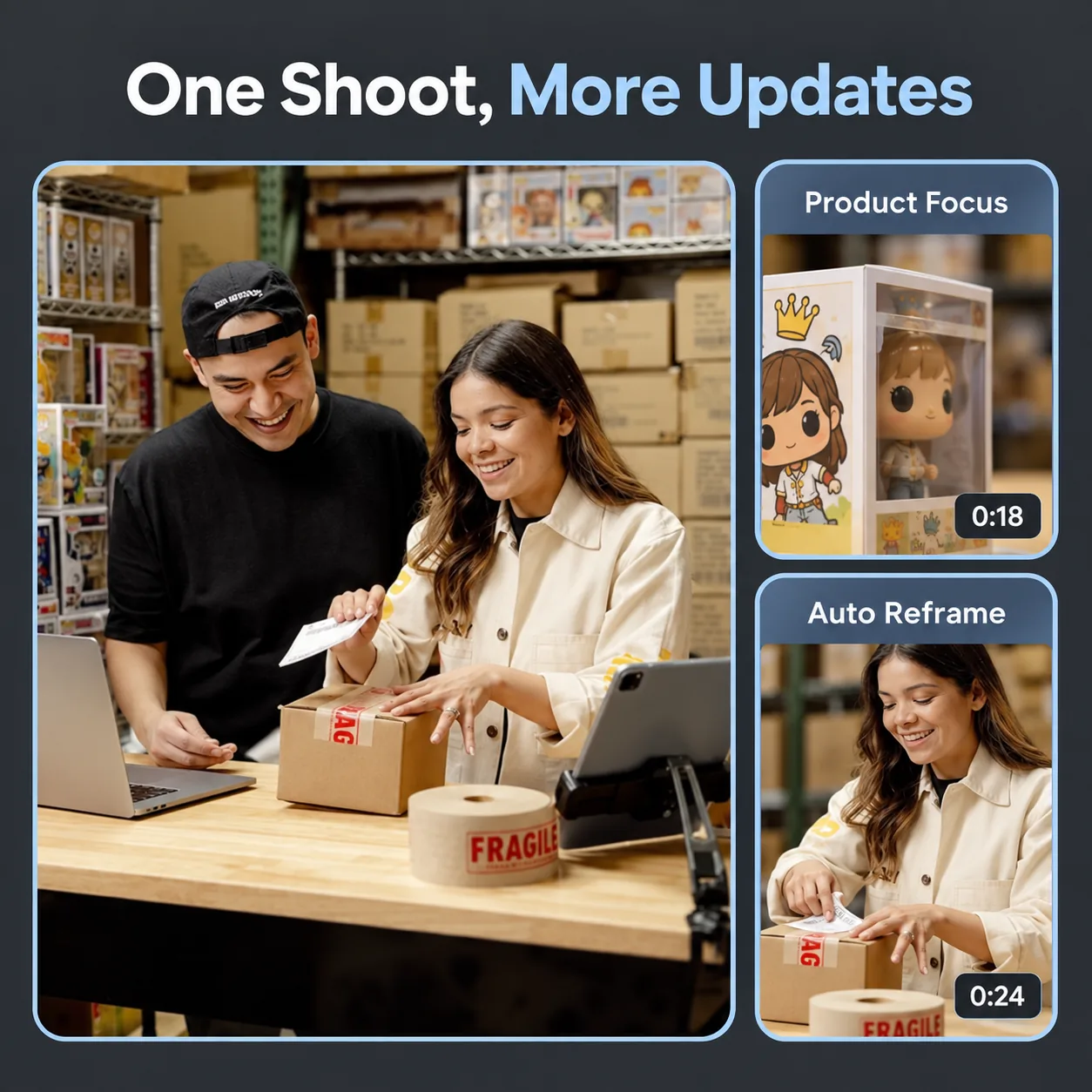
Create Reels from product demos, packing videos, shop updates, customer moments, or behind-the-scenes footage. Need broader short-video highlights? Try the AI Clip Maker.

  • Build a Reel around one product detail or customer need
  • Keep products visible during vertical reframing
  • Reuse existing footage for regular social content
Longer hands-on tutorial divided into a short vertical Reel explaining one step

Tutorials and Tips

Break Longer Lessons into Useful Reels

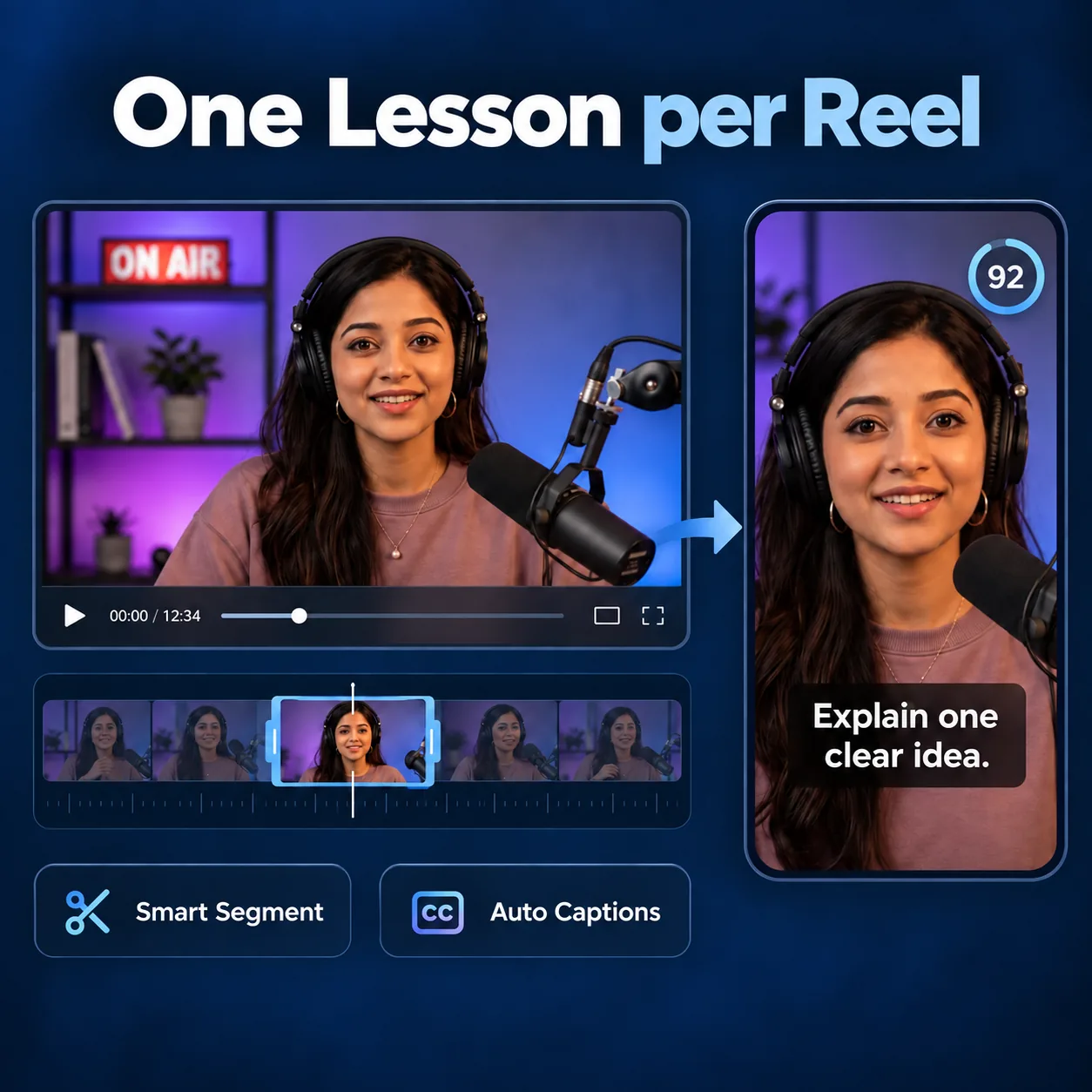
Turn detailed lessons, walkthroughs, classes, and demonstrations into short Reels that answer one question at a time.

  • Focus each Reel on one practical takeaway
  • Keep the explanation clear without full-length context
  • Add captions for steps, terms, and key instructions
Creator's long recording analyzed into multiple Reel previews with different hooks and captions

Creator Videos

Reuse Long-Form Videos Between Uploads

Create additional Reels from vlogs, interviews, conversations, livestreams, and long-form creator videos. Creating content for a YouTube channel? Use the YouTube Shorts Generator.

  • Surface moments with a clear point or reaction
  • Compare several Reel options from one recording
  • Keep a regular posting flow between full uploads

AI Reel Generator vs Manual Reel Editing

VideoTube's AI Reel Generator analyzes long video footage, prepares Reel drafts, and leaves final choices in your hands.

DimensionManual Reel EditingAI Reel Generator
Finding Reel-Worthy MomentsWatch the full recording, replay sections, note timestamps, and search again when the first choice does not work.AI reviews speech, reactions, scene changes, and visual action across the recording to surface moments that can stand alone as Reels.
Building the First Reel DraftSet every start and end point manually, then keep revising until the sequence has a clear beginning, focus, and ending.AI turns related moments into focused Reel drafts, giving each option a structure that is ready to review instead of starting from an empty timeline.
Vertical FramingRe-crop wide footage and reposition subjects by hand for every Reel version.AI detects the main subject and adapts each Reel to vertical framing, helping important people, products, pets, food, and actions stay visible.
CaptionsTranscribe audio, split text into lines, sync every caption, and move text away from important parts of the frame.AI transcribes speech and generates timed captions within the Reel layout, so review can focus on names, instructions, and wording.
PacingSearch for pauses, repeated takes, and slow setup sections before deciding what can be removed.AI prepares tighter Reel drafts by reducing pauses and repeated sections, helping review begin with the main action rather than the full timeline.
More Reel OptionsFinish one edit, return to the source video, and repeat the same cutting and formatting work for another idea.AI creates multiple Reel candidates from one long video, making it easier to compare different stories, reactions, tips, or product moments.
Final ReviewReview unfinished timeline edits and rebuild sections when captions, framing, or pacing do not work together.AI presents Reel drafts with cuts, framing, and captions already applied, so final review focuses on selecting the strongest version and refining details.

Skip the timeline grind. Review more Reel ideas in less time.

Stop Rewatching Long Videos to Find One Good Reel

AI Reel Generator scans footage, finds moments worth sharing, and prepares captioned vertical drafts—so you review Reels instead of editing from scratch.

What Creators Say About AI Reel Generator

Before using AI Reel Generator, I spent too much time replaying long travel videos just to find one scene worth posting. Now I upload the full recording and start with Reel drafts built around the views, food stops, and reactions that matter. The vertical framing also saves me from manually moving every shot into place, so sharing a trip feels much less like an editing project.
ML

Mia L.

Travel Content Creator

AI Reel Generator gives me a practical way to reuse the longer videos I already make for my shop. It helps surface product details, packing moments, and customer reactions that can become short social posts. I still choose the final version, but I no longer have to search through each recording from beginning to end before I can create a Reel with a clear point.
DR

Daniel R.

Small Business Owner

I record family birthdays, school events, and weekend activities, but most clips stayed on my phone because editing took too long. With AI Reel Generator, I can review shorter options from one long recording and keep the moments everyone wants to rewatch. Captions are especially helpful when someone is speaking quietly or when relatives watch without sound.
OK

Olivia K.

Parent and Family Archivist

For recipe videos, the hard part is not filming—it is cutting out the waiting, repeated takes, and setup without losing the useful step. AI Reel Generator helps me start with shorter drafts that keep the cooking action clear. I can quickly check whether the ingredients, hands, and final dish are visible in the vertical layout before I share the finished Reel.
JT

Jamie T.

Home Cooking Creator

I use long tutorial recordings for classes and product walkthroughs. AI Reel Generator helps me identify sections that answer one question or explain one task, rather than forcing viewers to watch the whole lesson. Starting with a focused draft makes it easier to create short educational Reels with readable captions and a more direct message.
CW

Chris W.

Online Instructor

Editing highlights from interviews and livestreams used to mean checking timestamps, trimming pauses, and making several versions by hand. AI Reel Generator speeds up the first stage by preparing Reel options from the full session. That gives me more time to compare the strongest ideas, refine the wording, and publish short clips that still make sense on their own.
AP

Alex P.

Podcast Producer

AI Reel Generator FAQs: Choose the Right Moments