
Long video → YouTube Shorts

Free AI YouTube Shorts Generator

Turn one long video into multiple YouTube-ready Shorts. AI finds standout moments, adds captions, and frames each clip for vertical viewing.

Upload video
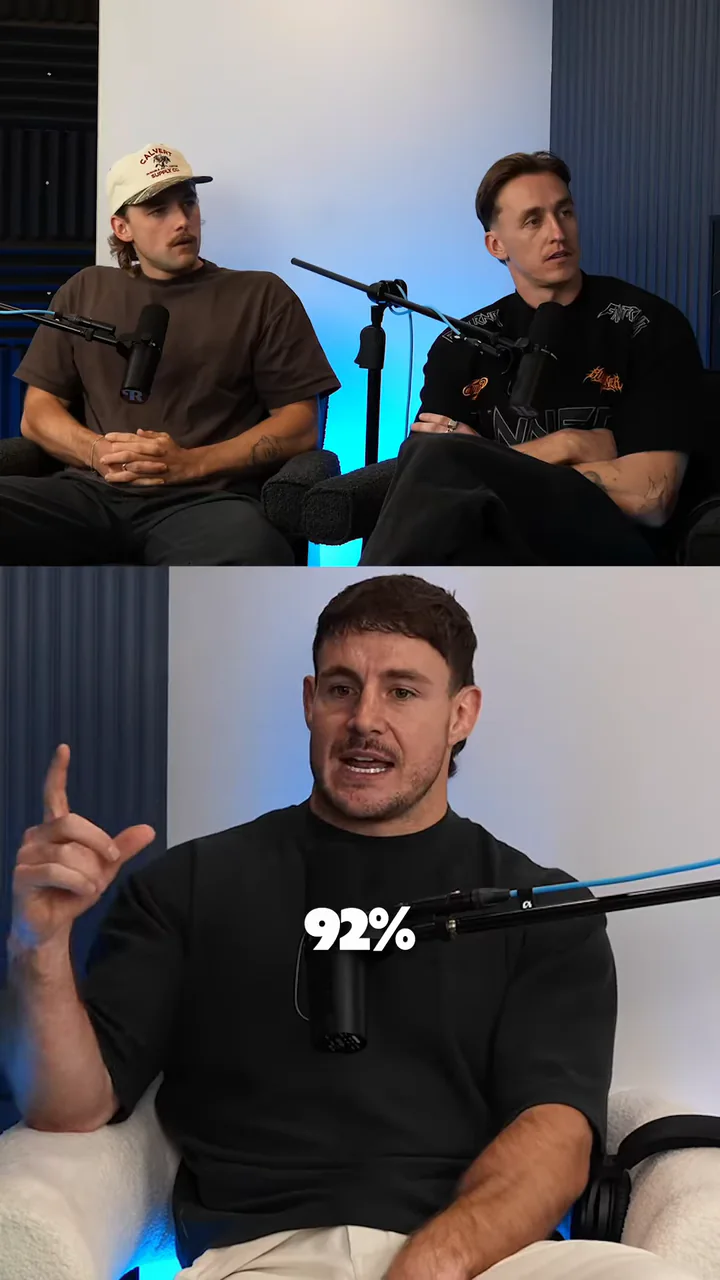
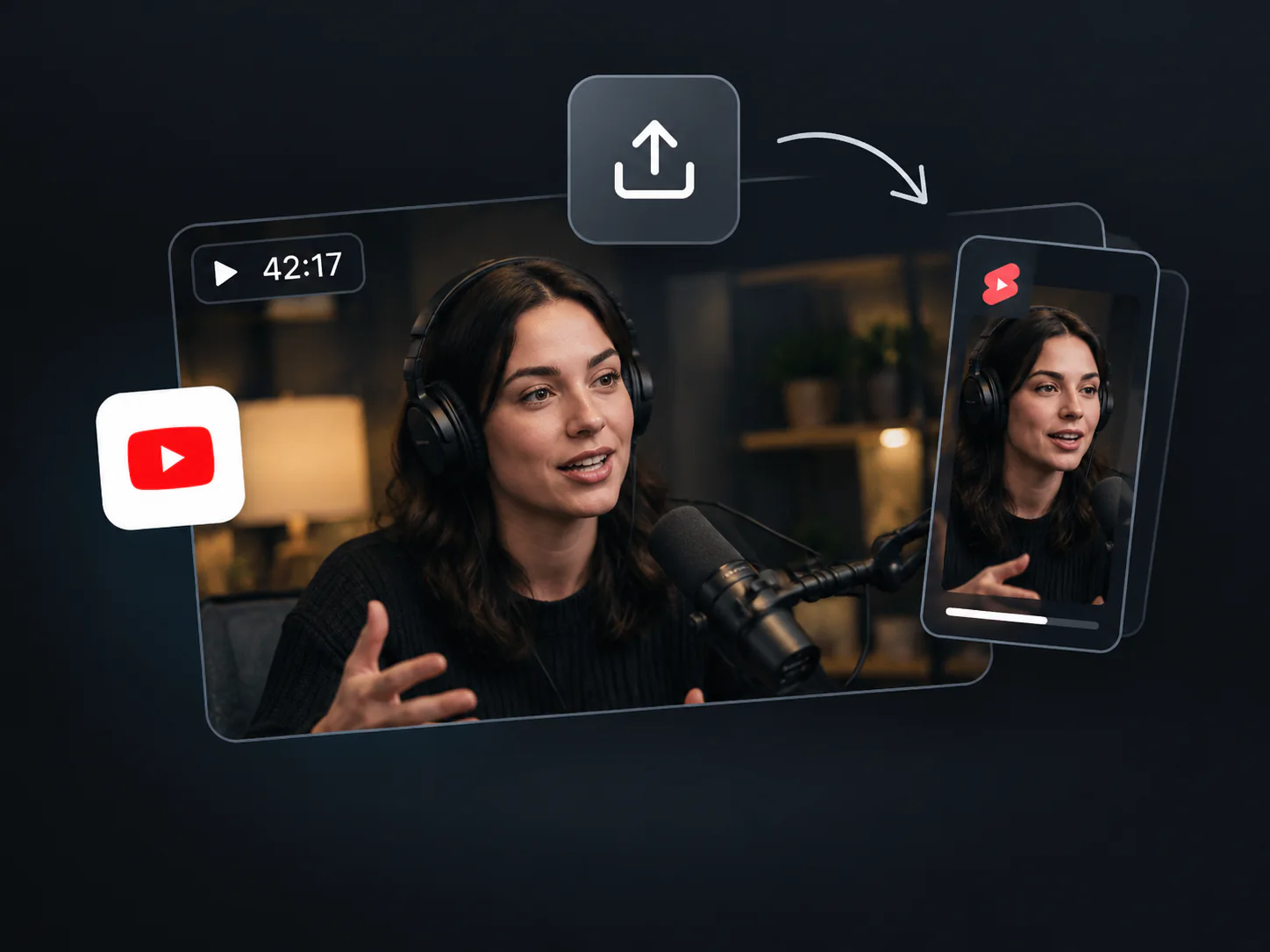
A podcast interview reframed as a captioned vertical YouTube Short

AI YouTube Shorts Generator: Free Create Viral Shorts Online

AI highlights · captions · reframing

Create YouTube Shorts Ready to Publish

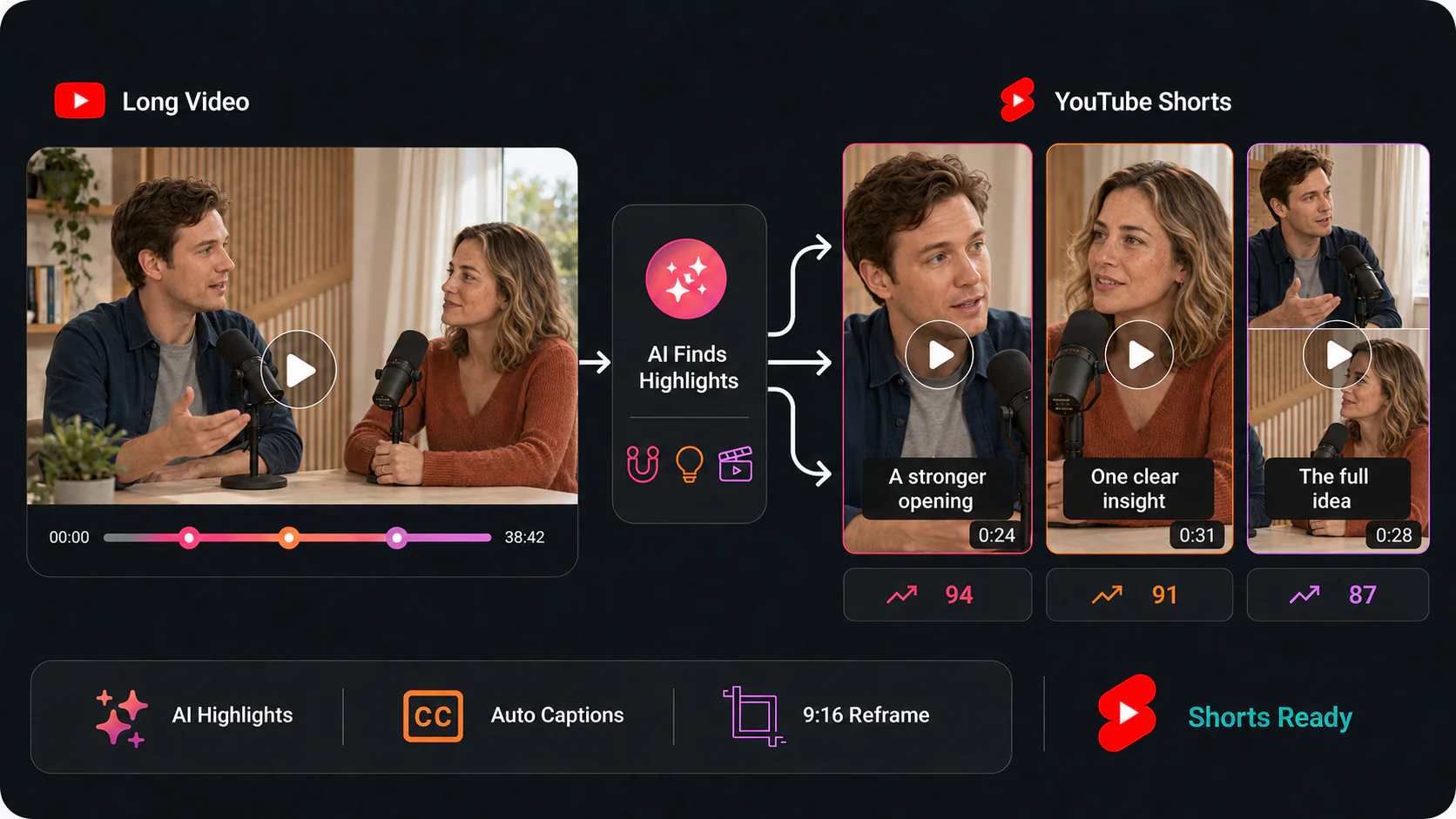
VideoTube's AI YouTube Shorts Generator finds complete moments, formats them for vertical viewing, and helps you create more Shorts from every long video.

One long video analyzed for highlights, captions, and vertical YouTube Shorts
  • Find Complete Moments

    AI suggests clips with a clear opening, main point, and ending that can stand on their own.

  • Format for YouTube Shorts

    Turn landscape footage into a mobile-first 9:16 vertical layout without rebuilding the edit.

  • Keep Key Subjects in Frame

    Automatic reframing follows the main speaker, product, or action as the scene changes.

  • Add Clear Automatic Captions

    Generate timed captions, then review names, numbers, brand terms, and specialist words.

  • Remove Pauses and Filler Words

    Tighten the pace while preserving the original meaning and the context viewers need.

  • Compare Clips Before Publishing

    Review several suggested Shorts and use the viral score as one signal when choosing clips.

Turn Long Videos into YouTube Shorts in 3 Steps

Use VideoTube's AI YouTube Shorts Generator to find highlights, create vertical clips, and prepare your existing content for a new audience.

1

Step 1: Add Your Video

Upload a long video or choose an available link option. Start with content you own or have permission to reuse on your YouTube channel.

Upload a long video or add a YouTube link
2

Step 2: Generate Your Shorts

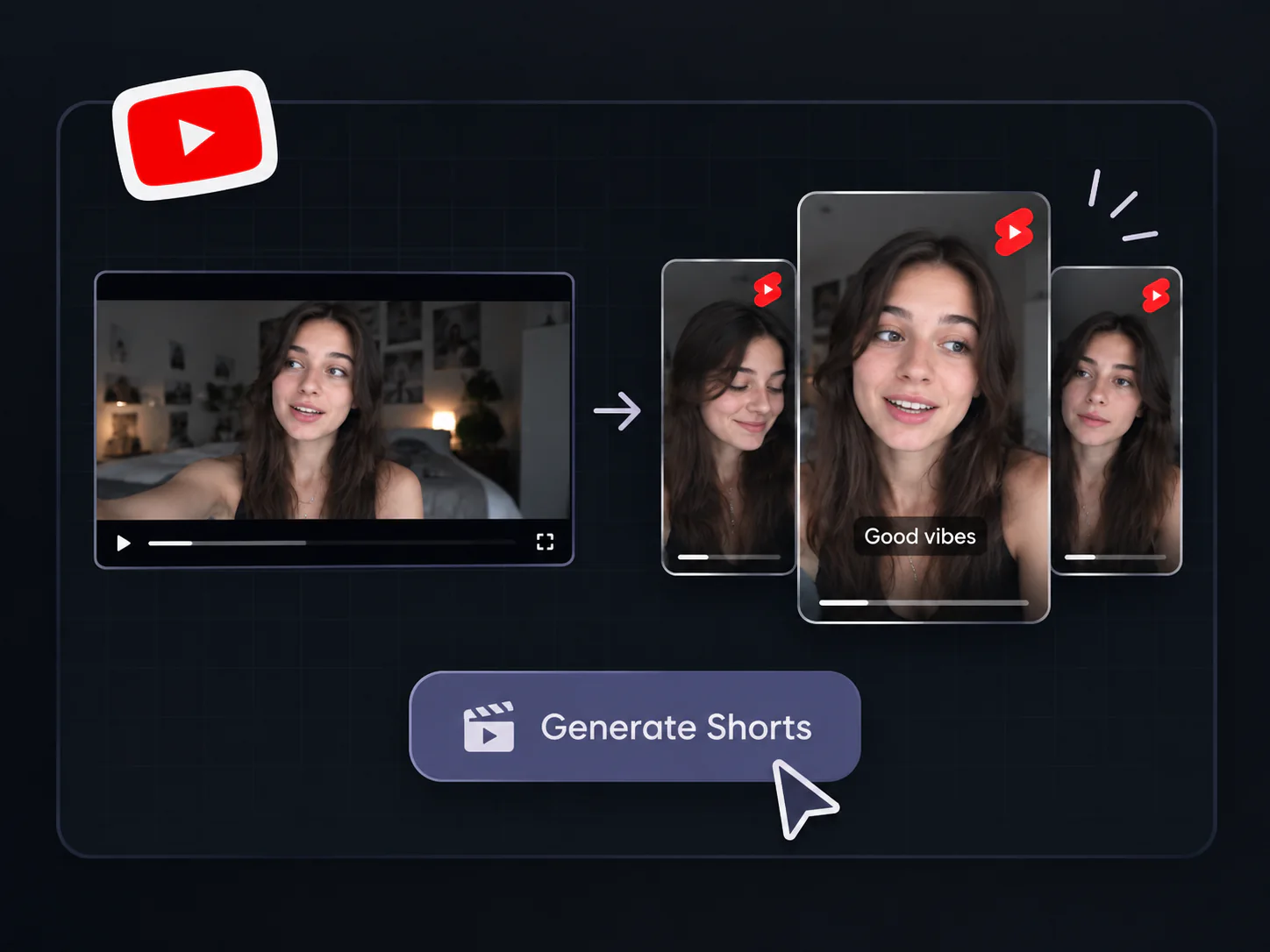
VideoTube finds potential highlights, creates individual clips, adds captions, and reframes the footage in a 9:16 vertical layout.

AI generating several vertical YouTube Shorts
3

Step 3: Review and Download

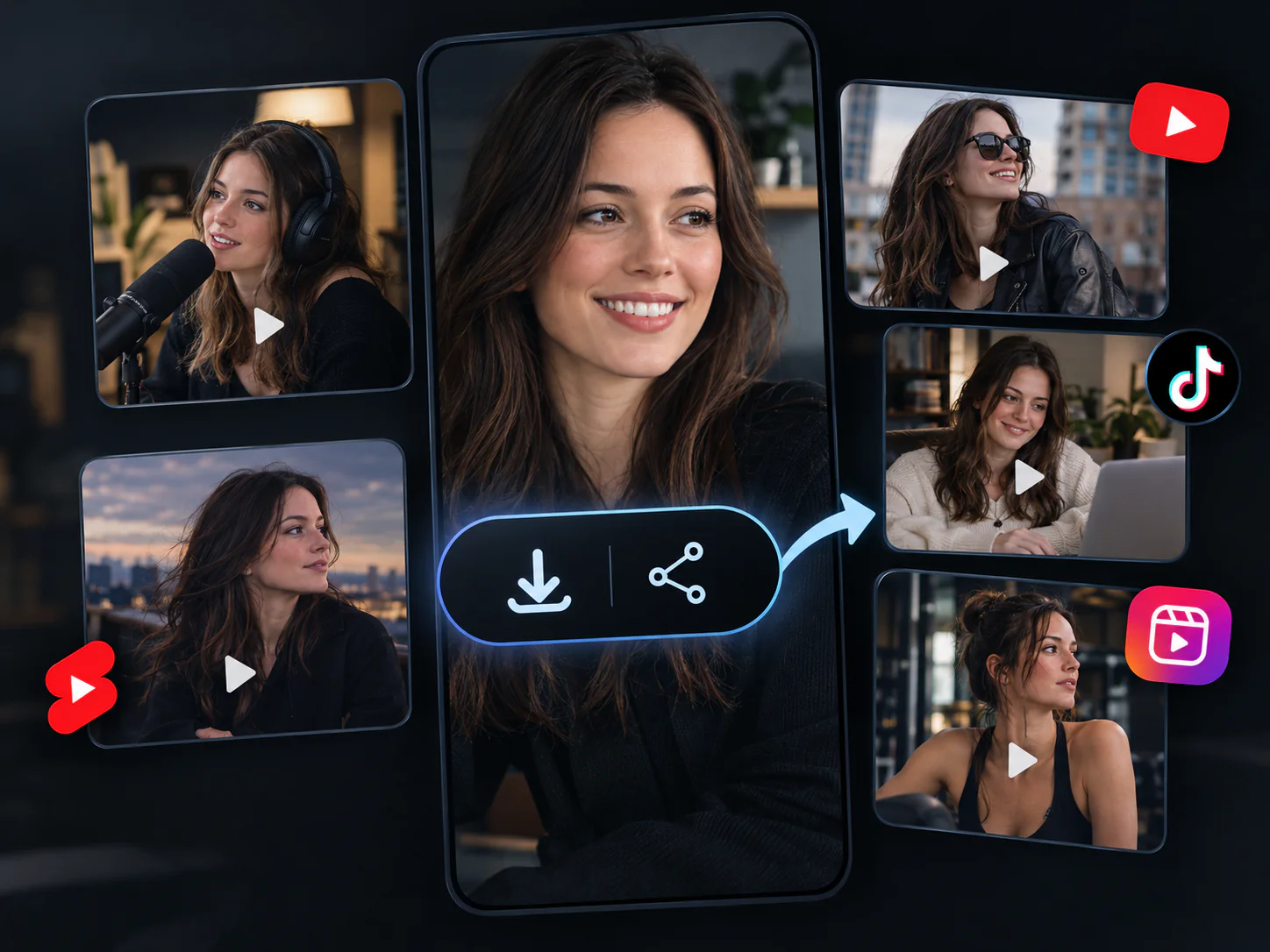
Check the timing, captions, and framing, then download the Shorts you want to publish. Add a clear title and upload each video to your YouTube channel.

Review and download generated YouTube Shorts

Made for Every Type of YouTube Creator

VideoTube's AI YouTube Shorts Generator turns podcasts, livestreams, tutorials, vlogs, product demos, and sports footage into captioned vertical clips for your channel.

Podcast turned into a captioned YouTube Short

Podcasts

Share the Best Moments from Every Episode

Find memorable quotes, expert insights, strong opinions, and engaging stories in long podcast episodes. Create focused podcast Shorts with captions and vertical framing.

  • Extract valuable answers and guest insights
  • Keep speakers and conversations easy to follow
  • Create clips that work without the full episode
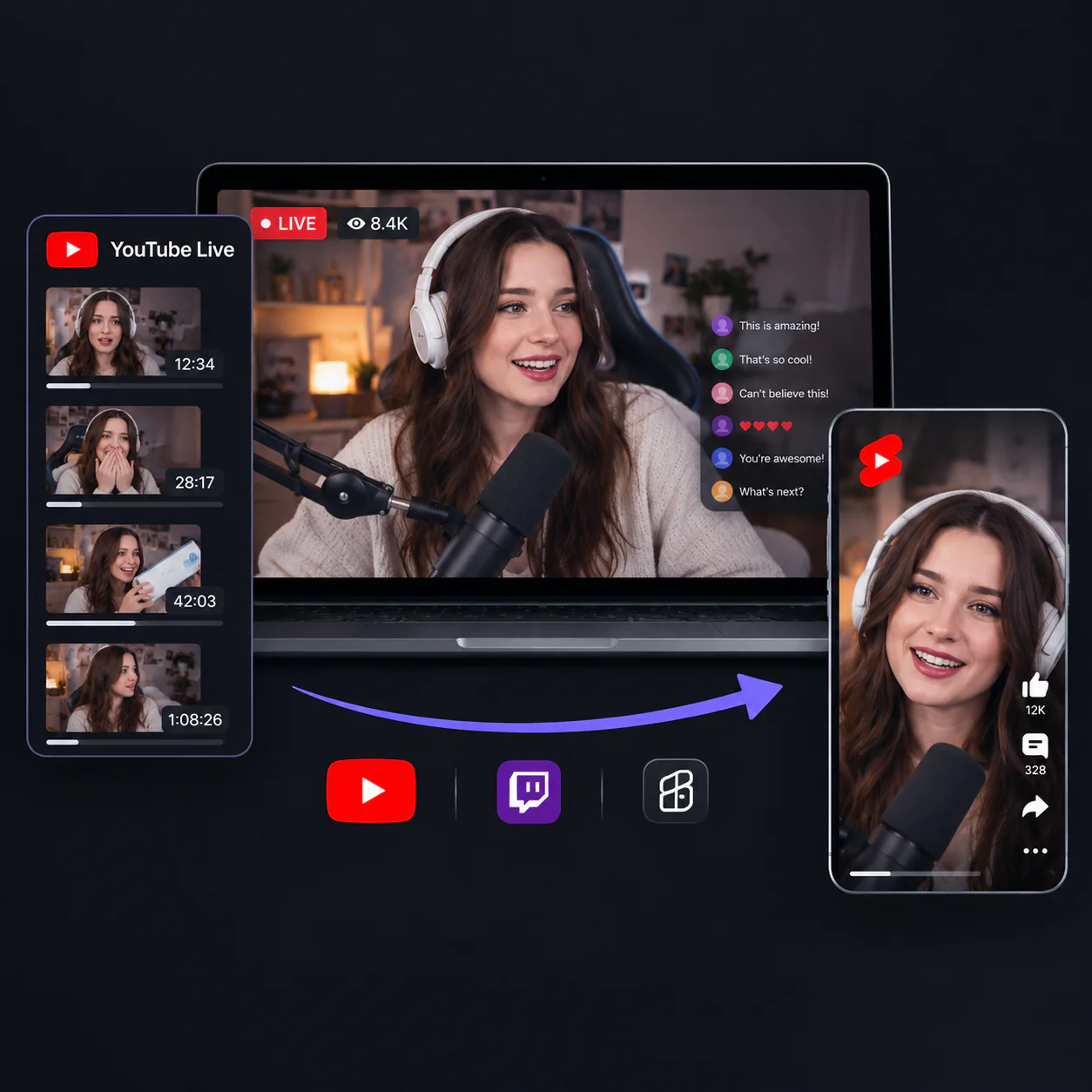
Livestream highlights repurposed as YouTube Shorts

Livestreams

Keep Your Best Stream Moments Working

Capture exciting reactions, important announcements, funny exchanges, and memorable moments from YouTube Live, Twitch streams, and recorded broadcasts.

  • Find standout moments in long recordings
  • Turn reactions and updates into focused Shorts
  • Format each highlight for vertical YouTube viewing
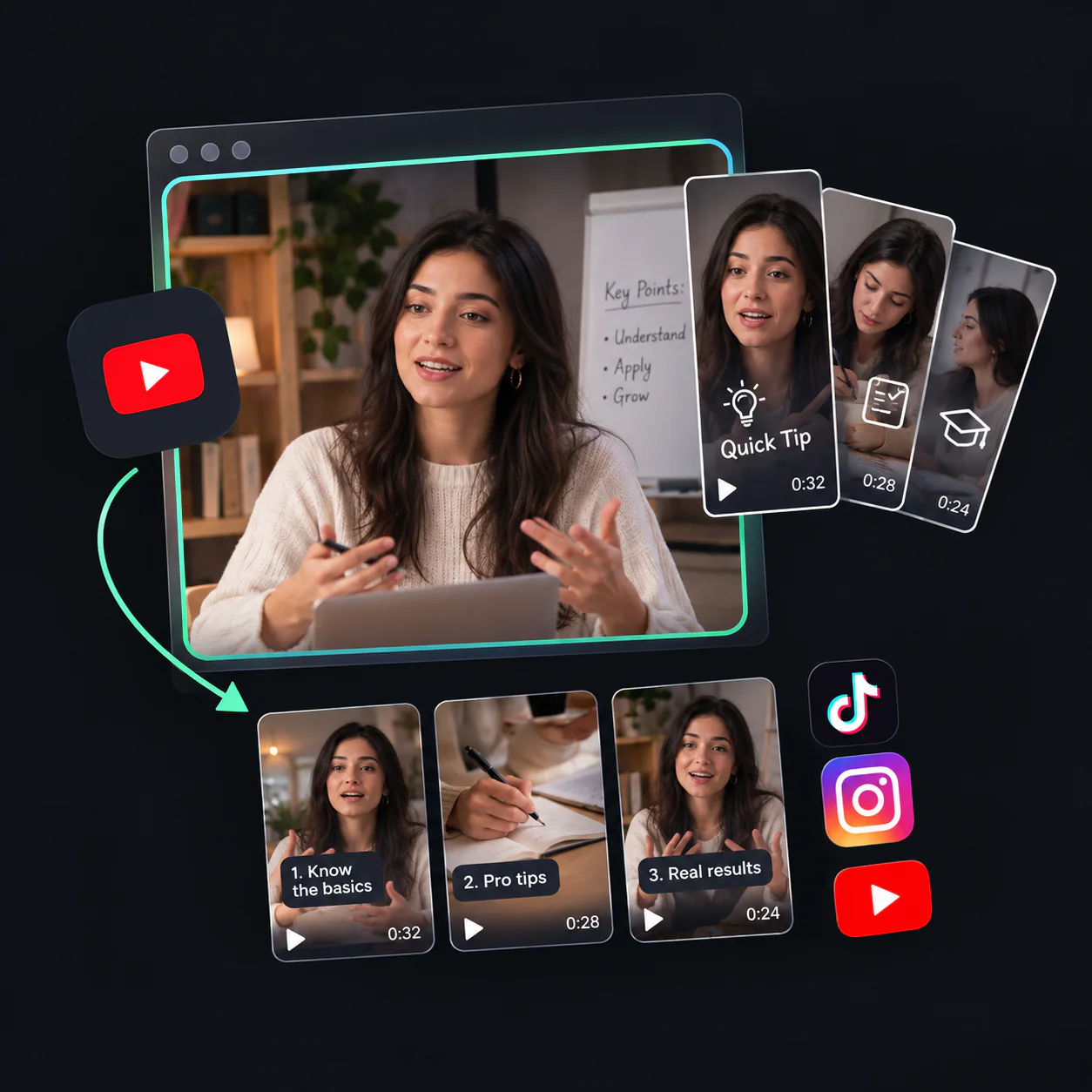
Tutorial divided into short educational videos

Tutorials

Give Each Short One Clear Lesson

Repurpose tutorials, webinars, lectures, and online courses into short educational videos. Use the AI YouTube Shorts Generator to extract one explanation, useful tip, or practical takeaway at a time.

  • Break longer lessons into focused topics
  • Make each clip useful on its own
  • Add captions that help viewers follow instructions
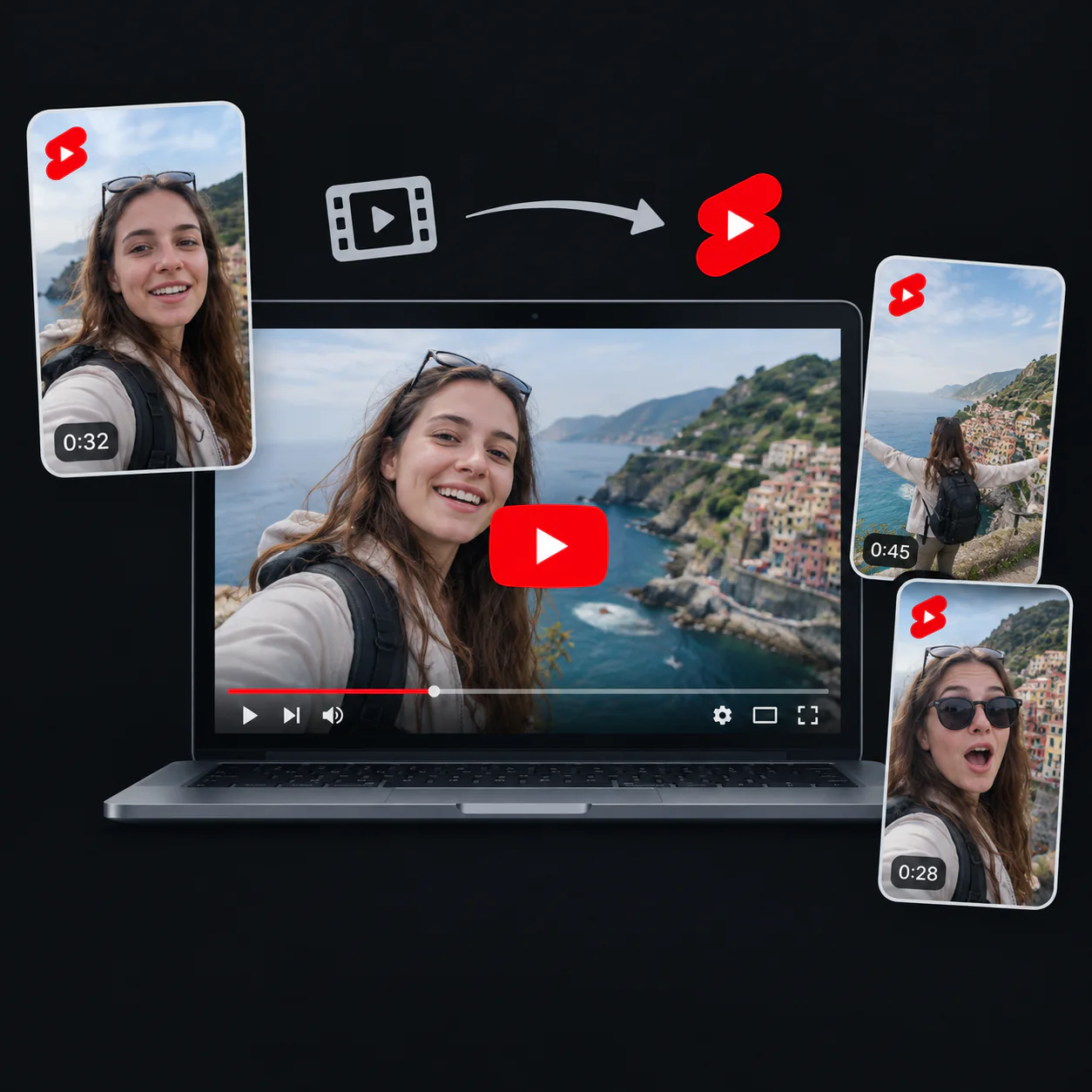
Travel vlog converted into vertical YouTube Shorts

Vlogs

Bring Memorable Scenes to Your Shorts Feed

Find entertaining scenes, personal stories, travel highlights, and natural reactions inside longer vlogs. VideoTube reframes each selection while keeping important people and actions visible.

  • Find scenes with enough context to stand alone
  • Keep the main subject inside a 9:16 frame
  • Create fresh content from existing channel videos
Product demonstration converted into a focused Short

Product demos

Show One Product Benefit at a Time

Turn product demonstrations, feature walkthroughs, and customer use cases into focused promotional Shorts. Build each clip around one feature, benefit, question, or real-world application.

  • Give every Short one clear product message
  • Keep the product visible during vertical reframing
  • Reuse existing demo footage for YouTube content
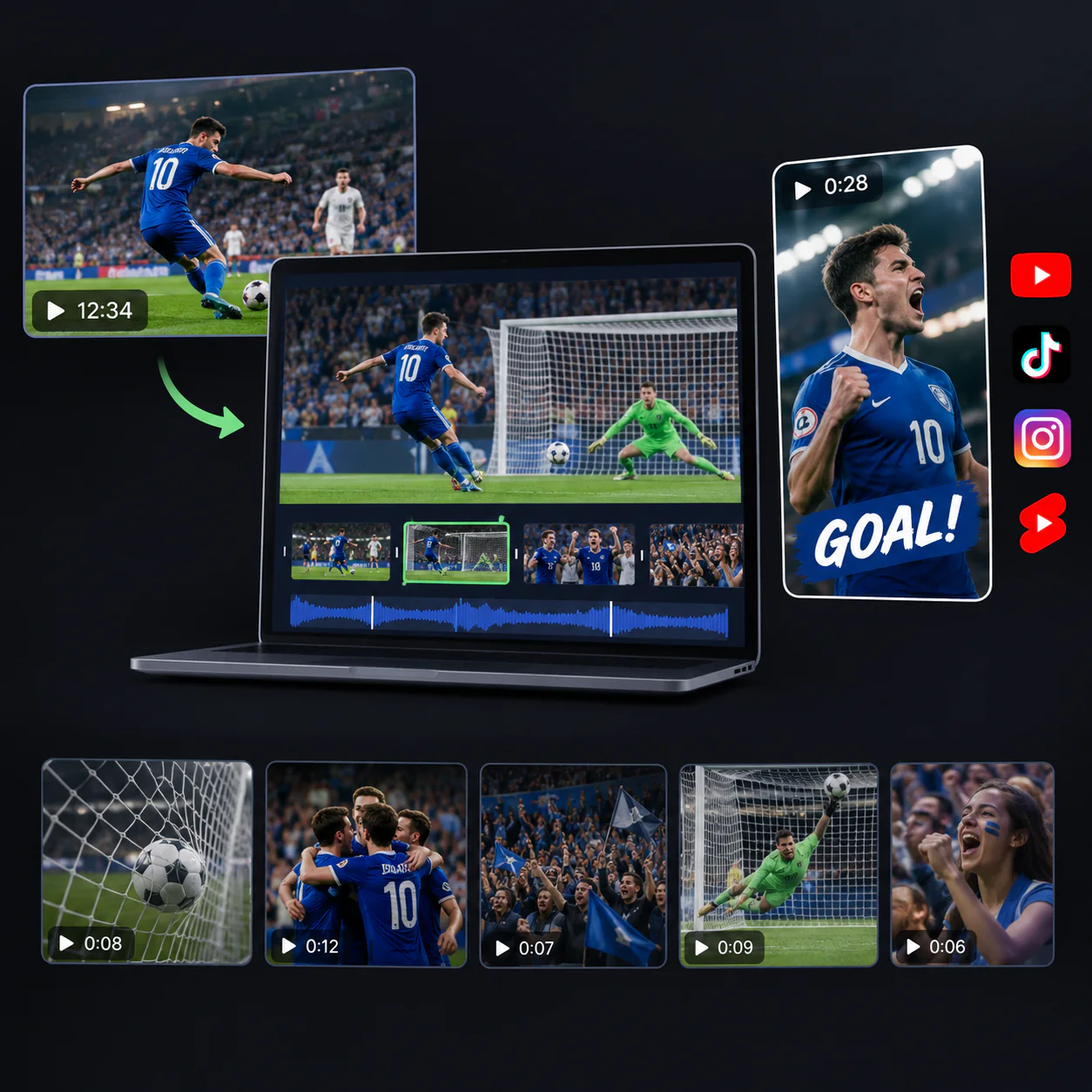
Football highlight prepared for YouTube Shorts

Sports

Bring Key Plays into the Vertical Frame

Use visual and audio cues to find goals, key plays, winning moments, celebrations, and crowd reactions in games or training footage, including videos with little dialogue.

  • Detect action-driven highlights in long footage
  • Keep players and important moments in view
  • Prepare sports clips for your YouTube audience

AI YouTube Shorts Generator vs Manual Editing

See how VideoTube simplifies finding, formatting, and preparing YouTube Shorts from one long video.

DimensionManual Video EditingVideoTube AI Workflow
Finding Short-Worthy MomentsWatch the full recording and mark possible highlights on the timeline.Start with AI-suggested moments based on speech, reactions, sound, and visual action.
Creating Complete ShortsDecide where every clip should begin and end while checking whether it makes sense alone.Review suggested clips with a clear opening, main point, and natural ending.
YouTube Shorts FormattingCrop landscape footage and reposition the subject manually for each vertical video.Start with a 9:16 layout that keeps the main speaker, product, or action in view.
Adding CaptionsTranscribe the audio, time every line, and place text inside the mobile frame.Begin with automatic captions, then check names, numbers, and key terms.
Improving the PaceSearch for pauses, filler words, and sections that delay the main point.Review a tighter draft and adjust timing where your Short needs more context.
Creating More ShortsRepeat the clipping, captioning, and vertical formatting process for every new video.Turn one long video into multiple Shorts that you can compare, refine, and download.

One long video. Three simple steps. More YouTube Shorts for your channel.

Turn Your Next Video into YouTube Shorts

Add a long video and let AI find the moments worth sharing. Create captioned, vertical Shorts that are ready for your final review.

How Teams Create More YouTube Shorts

I produce a weekly interview show, and finding a clear moment used to take longer than polishing the final clip. VideoTube's AI YouTube Shorts Generator gives me several focused starting points from each episode. I still choose the quote and check the captions, but I no longer have to scan the full timeline before I can begin editing.
MB

Maya Brooks

Podcast Producer

Most of my lessons run for 20 to 40 minutes, so useful tips are often buried inside a longer explanation. The AI YouTube Shorts Generator helps me pull out sections that answer one question at a time. I can refine the opening, correct technical terms, and turn a single tutorial into short videos that are easier for new viewers to discover.
EC

Ethan Cole

YouTube Educator

I manage video for several brand channels, and each YouTube audience responds to a different message. VideoTube's AI YouTube Shorts Generator gives our team several vertical clips to review from the same recording. We compare the openings, captions, and framing, then choose the versions that best support each channel's content plan.
PN

Priya Nair

Social Media Manager

My recordings contain long stretches of play with only a few moments that viewers want to replay. The AI YouTube Shorts Generator helps surface strong actions, reactions, and turning points even when there is little dialogue. I can check that the key player stays in frame, tighten the cut, and prepare vertical sports highlights without searching every minute by hand.
LB

Lucas Bennett

Sports Content Creator

Our product walkthroughs cover several features, but a Short works better when it answers one clear question. VideoTube's AI YouTube Shorts Generator helps me separate each benefit into a focused clip. I check the product terms, captions, and crop before publishing, so viewers can understand the feature without watching the full demonstration.
HR

Hannah Reed

Product Marketing Manager

After a livestream, I know there are good reactions and useful answers in the recording, but I rarely remember the exact timestamps. The AI YouTube Shorts Generator gives me a practical shortlist to review while the event is still fresh. I select the moments that match my audience, clean up the text, and publish more consistently without editing the whole replay from the beginning.
OK

Omar Khalil

Livestream Creator

AI YouTube Shorts Generator FAQs