VideoTube: Free AI Subtitle Generator
VideoTube's AI Subtitle Generator creates video subtitles automatically. Translate languages, customize styles, and edit subtitles online for free.
AI Subtitle Generator Free Online: Create Video Subtitles Fast
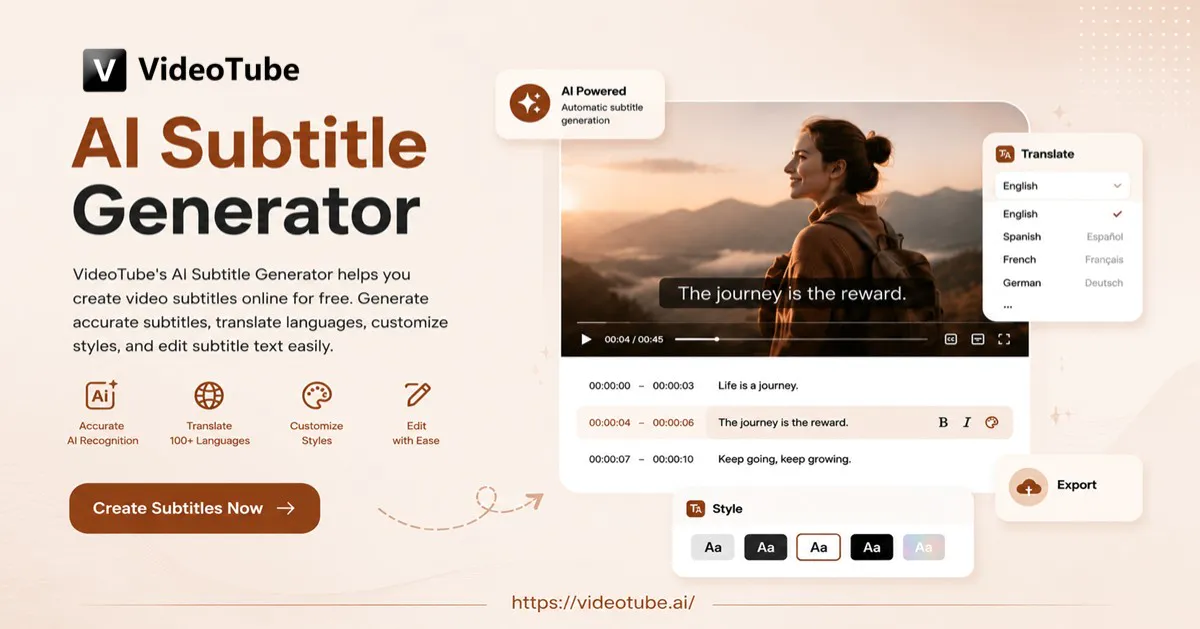
AI Subtitle Generator helps you create video subtitles online for free. Generate accurate subtitles, translate languages, customize styles, and edit subtitle text easily.
Trusted by creators from
What Is AI Subtitle Generator?
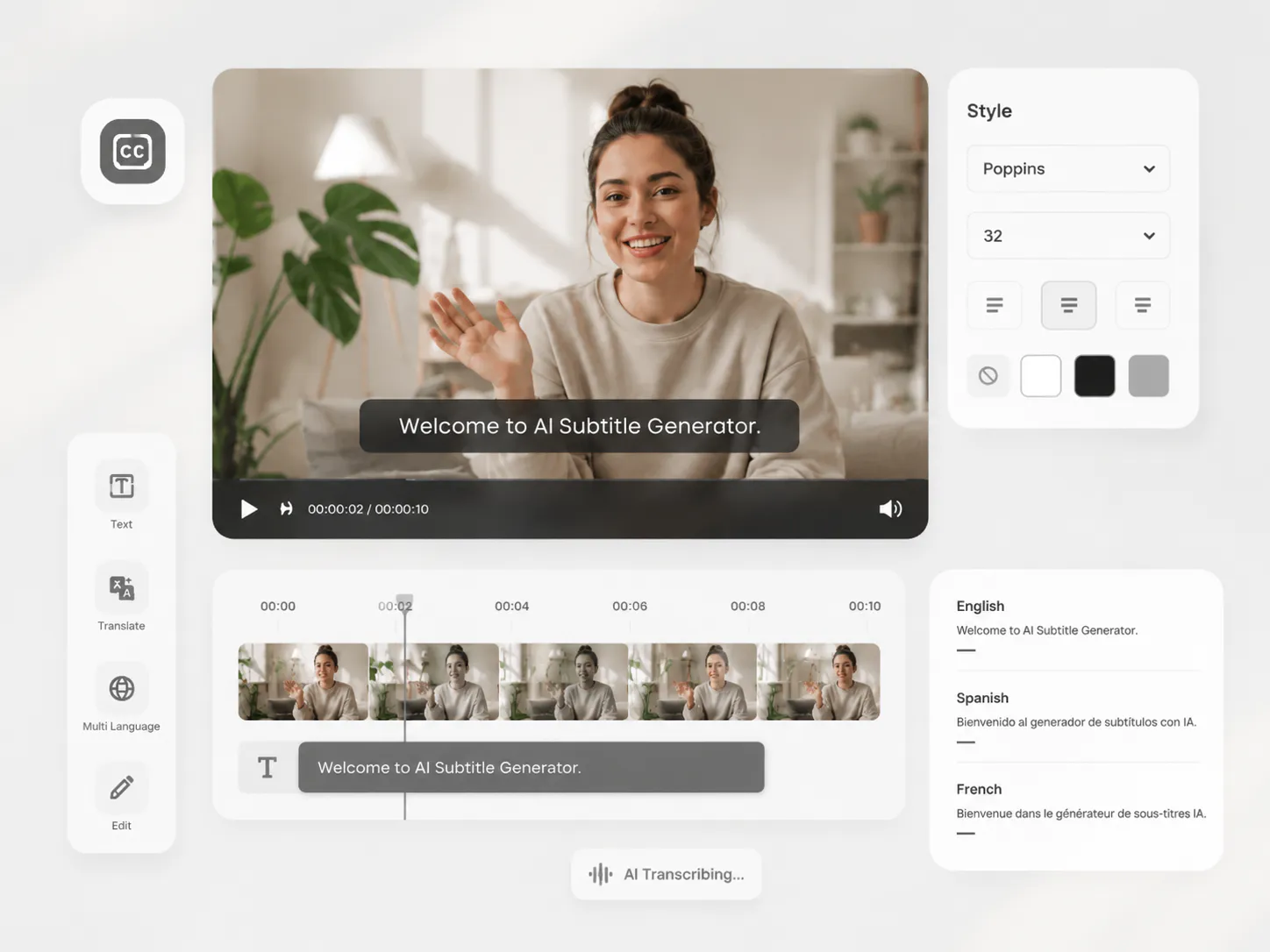
AI Subtitle Generator is a tool that automatically creates subtitles for videos by recognizing speech and matching text with audio. It helps creators generate video subtitles online, translate subtitles into different languages, customize subtitle styles, and edit text easily without spending time on manual transcription.
Why Choose AI Subtitle Generator?
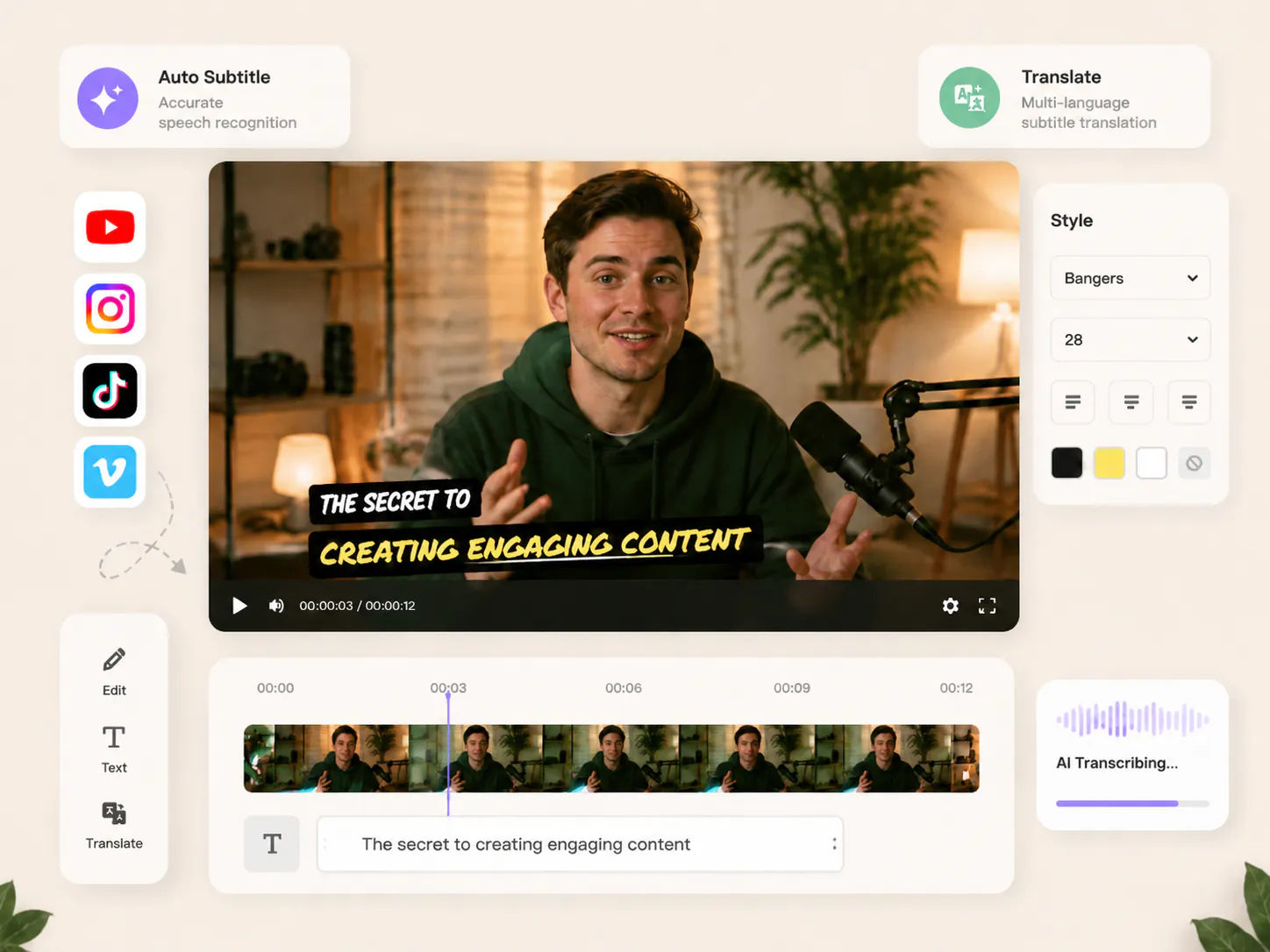
AI Subtitle Generator helps creators make video subtitles faster with automatic text recognition, subtitle translation, and easy editing. It is a simple online subtitle generator for YouTube videos, social content, courses, and marketing materials.
Stop Spending Hours Creating Subtitles Manually
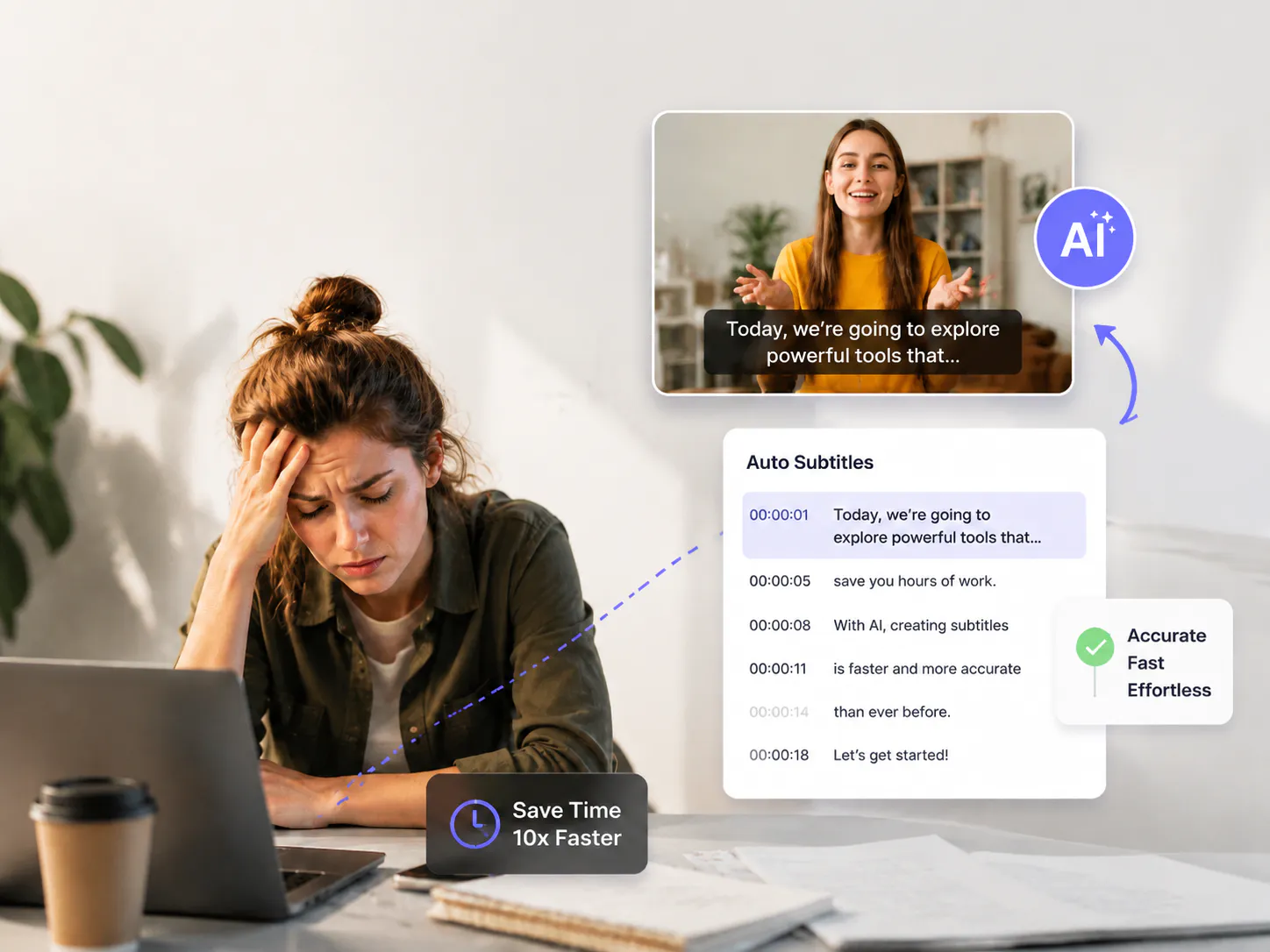
Adding subtitles by hand takes a lot of time and often leads to missed words, syncing issues, and extra editing work. AI Subtitle Generator helps you create accurate video subtitles faster while reducing the effort needed for manual transcription.
Why AI Subtitle Generator Stands Out
AI Subtitle Generator makes subtitle creation easier with flexible editing options, smart language support, and better control over your video text.
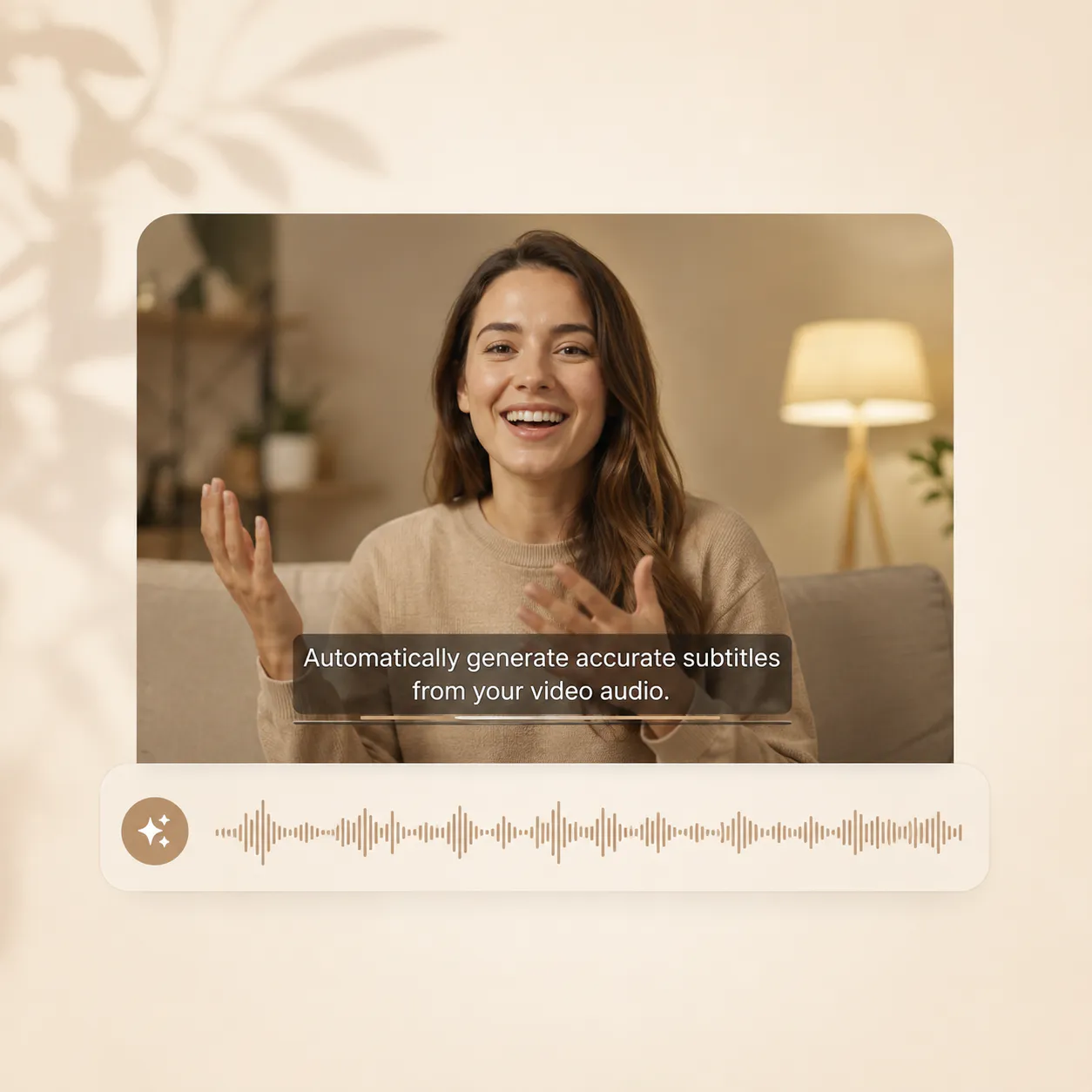
Create Subtitles with AI Accuracy
Generate subtitles automatically from your video audio and keep the text synced with speech, saving time on manual typing and corrections.
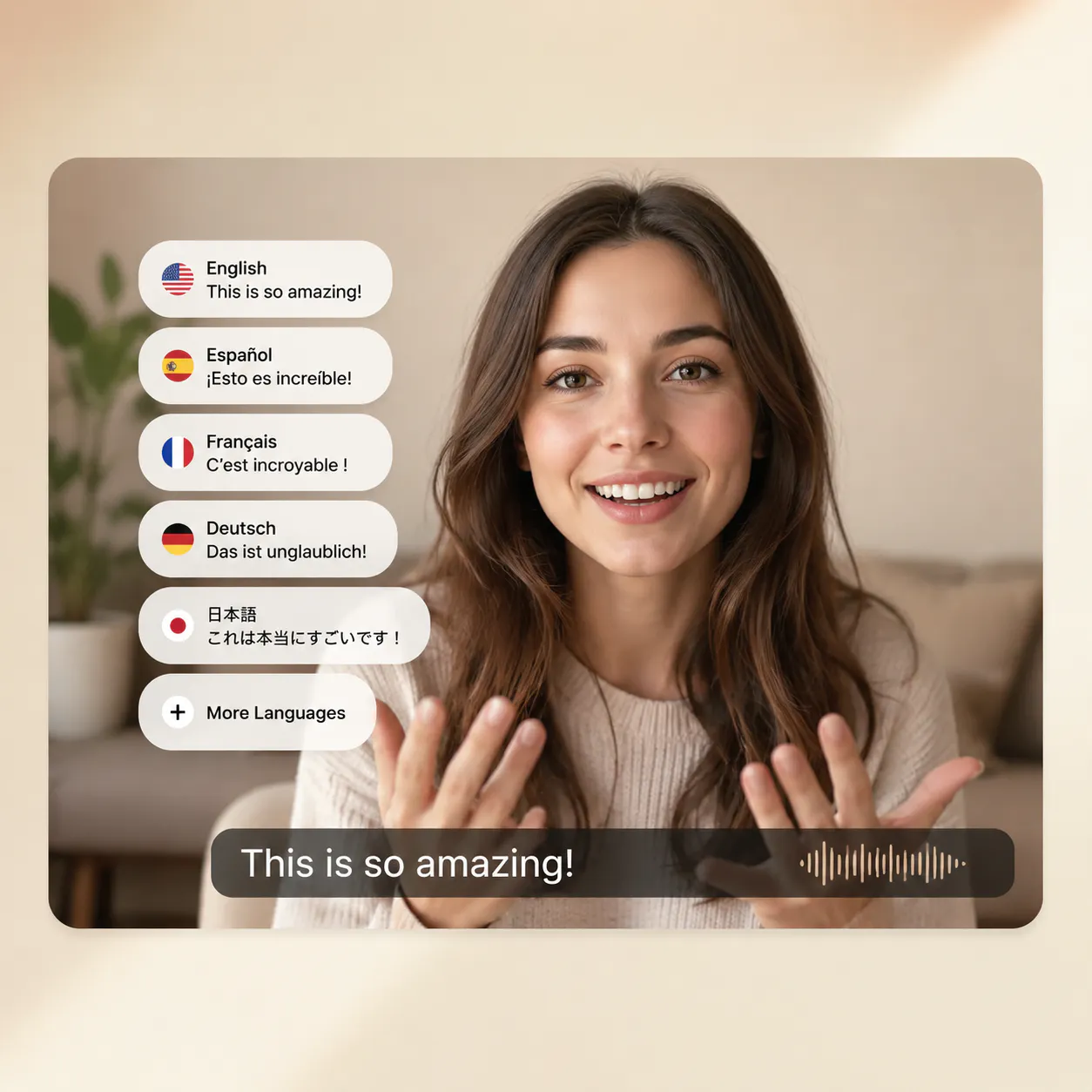
Translate Subtitles into Multiple Languages
Reach more viewers by translating subtitles into different languages and making your videos easier to understand worldwide.
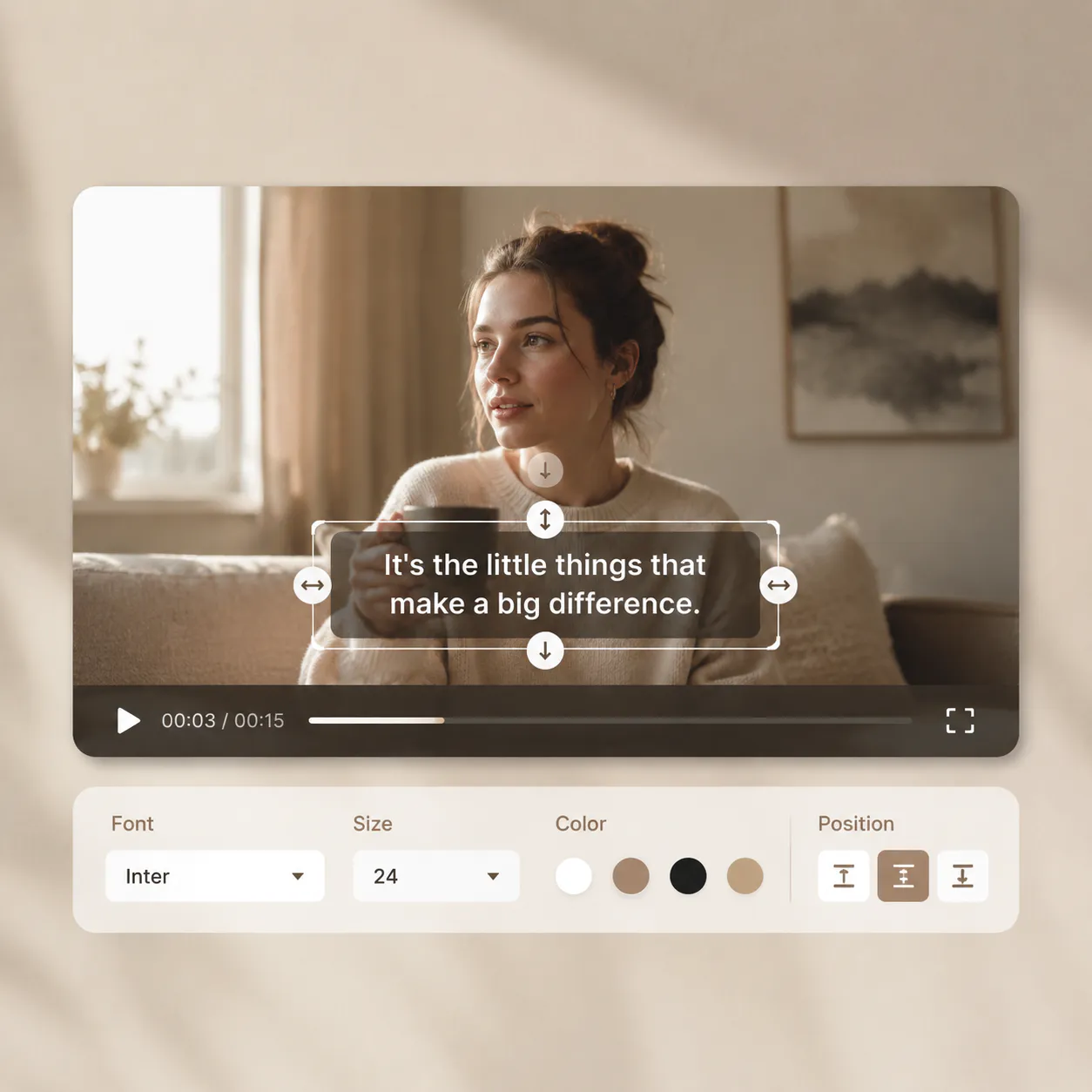
Customize Subtitle Styles Easily
Adjust subtitle styles, font size, and position to match your video design and create a cleaner viewing experience.
How to Generate Video Subtitles with AI
Step 1: Upload a Video or Paste a Link
Upload your video file or add a video URL to start. AI will analyze the audio and prepare your subtitles automatically.
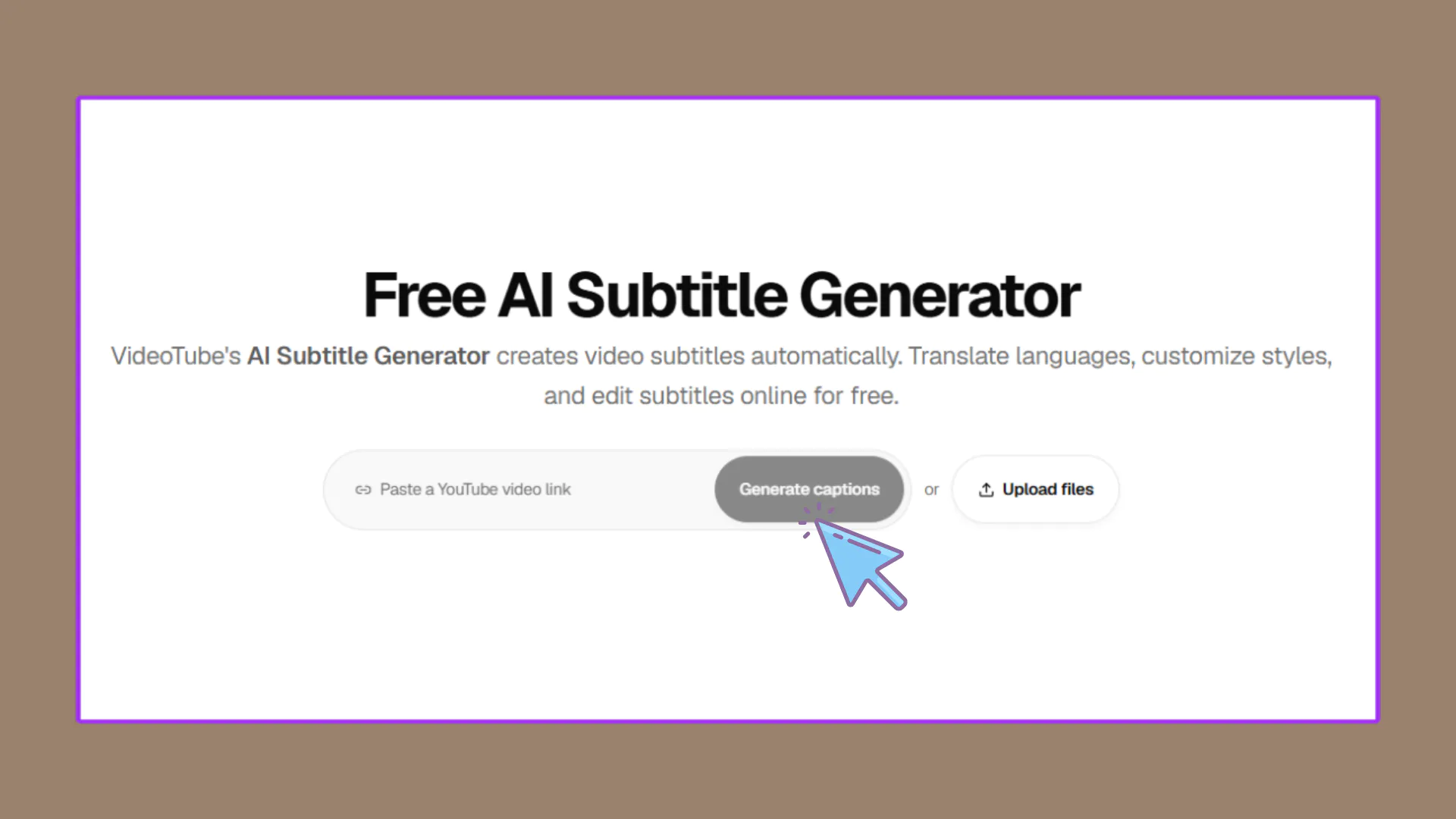
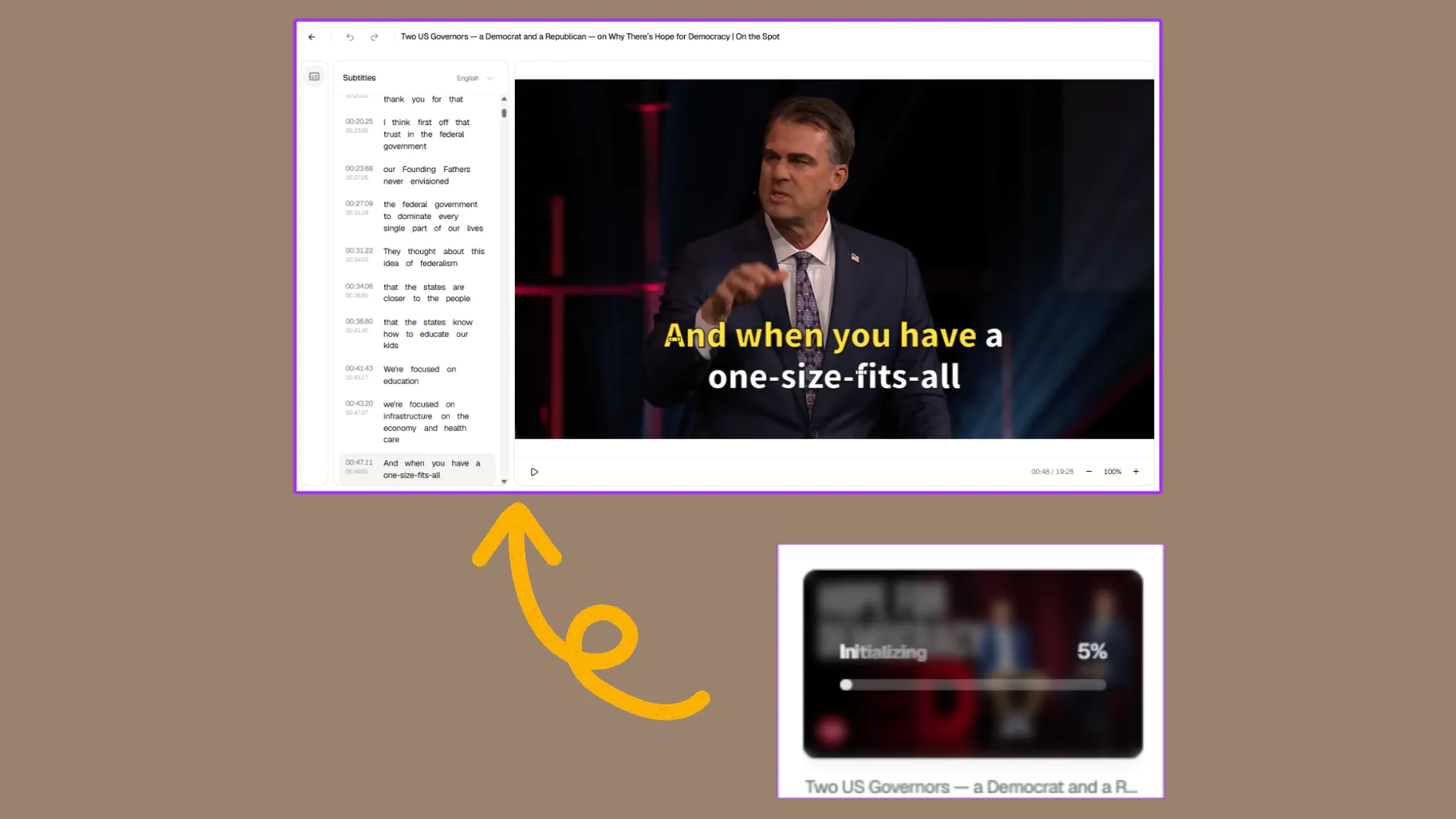
Step 2: Generate AI Subtitles Automatically
AI detects spoken words, creates subtitles, and syncs the text with your video audio for a smooth viewing experience.
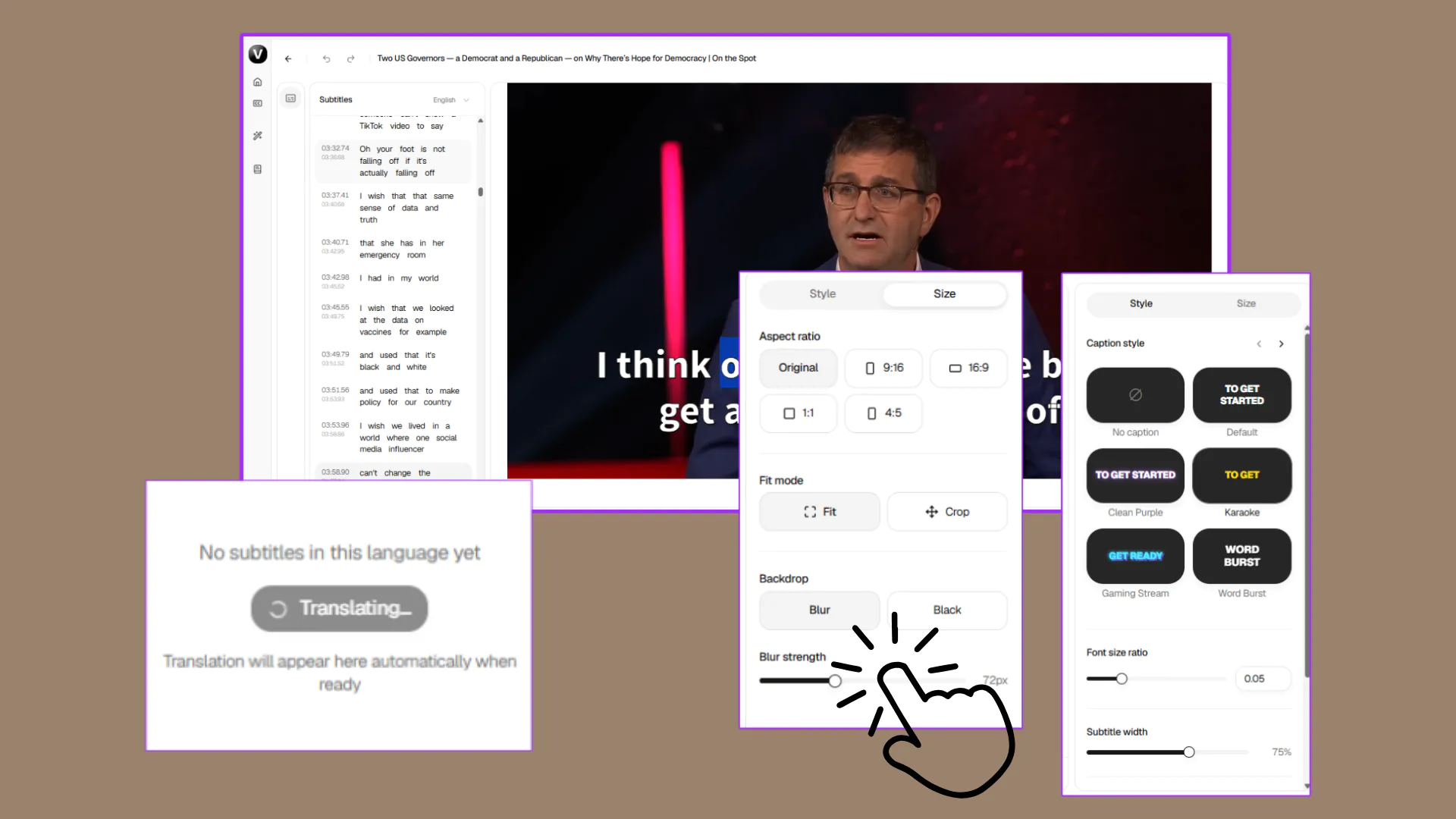
Step 3: Edit, Translate, and Customize Subtitles
Review your subtitles, adjust text, change styles, and translate them into different languages before sharing your video.
What Users Say About AI Subtitle Generator
Rated 4.8 out of 5 based on 3,765 user ratings
VideoTube's AI Subtitle Generator saves me a lot of time when creating videos. I can generate subtitles online, edit the text, and adjust the style without spending hours on manual work.
M. Carter
YouTube Creator
I use this AI subtitle generator for my online courses. The subtitle translation feature helps me share lessons with students in different languages, and the editing tools make every video easier to prepare.
A. Wilson
Course Creator
Adding subtitles to videos used to slow down my workflow. Now I can create video subtitles quickly, make small edits, and adjust the layout before publishing my content.
J. Miller
Digital Marketer
VideoTube has made my subtitle workflow much simpler. I can upload videos, generate subtitles automatically, and sync the text with audio without dealing with complicated editing steps.
S. Lee
Video Producer
I needed a simple online subtitle generator for YouTube videos and social content. The tool helps me customize subtitle styles, change text settings, and create a better viewing experience.
R. Adams
Content Manager
Creating multilingual subtitles is much easier now. I can translate subtitles, edit the content, and customize the appearance before sharing videos with a wider audience.
K. Brown
Social Media Creator
Frequently Asked Questions About AI Subtitle Generator
Create Your Video Subtitles in Minutes
Upload your video or paste a link to generate subtitles automatically. Edit the text, translate languages, and customize subtitle styles to make your videos easier to understand and ready to share.